Valor MMO · The character creator
The character creator: six steps to a character of your own
Making a character is the first thing a new player does, so it has to be understood in seconds by someone who has never seen it. Ours runs in six numbered steps with a live 3D preview on the left that can be turned and zoomed. Every choice is named as it is made, and the one choice that cannot be undone says so.
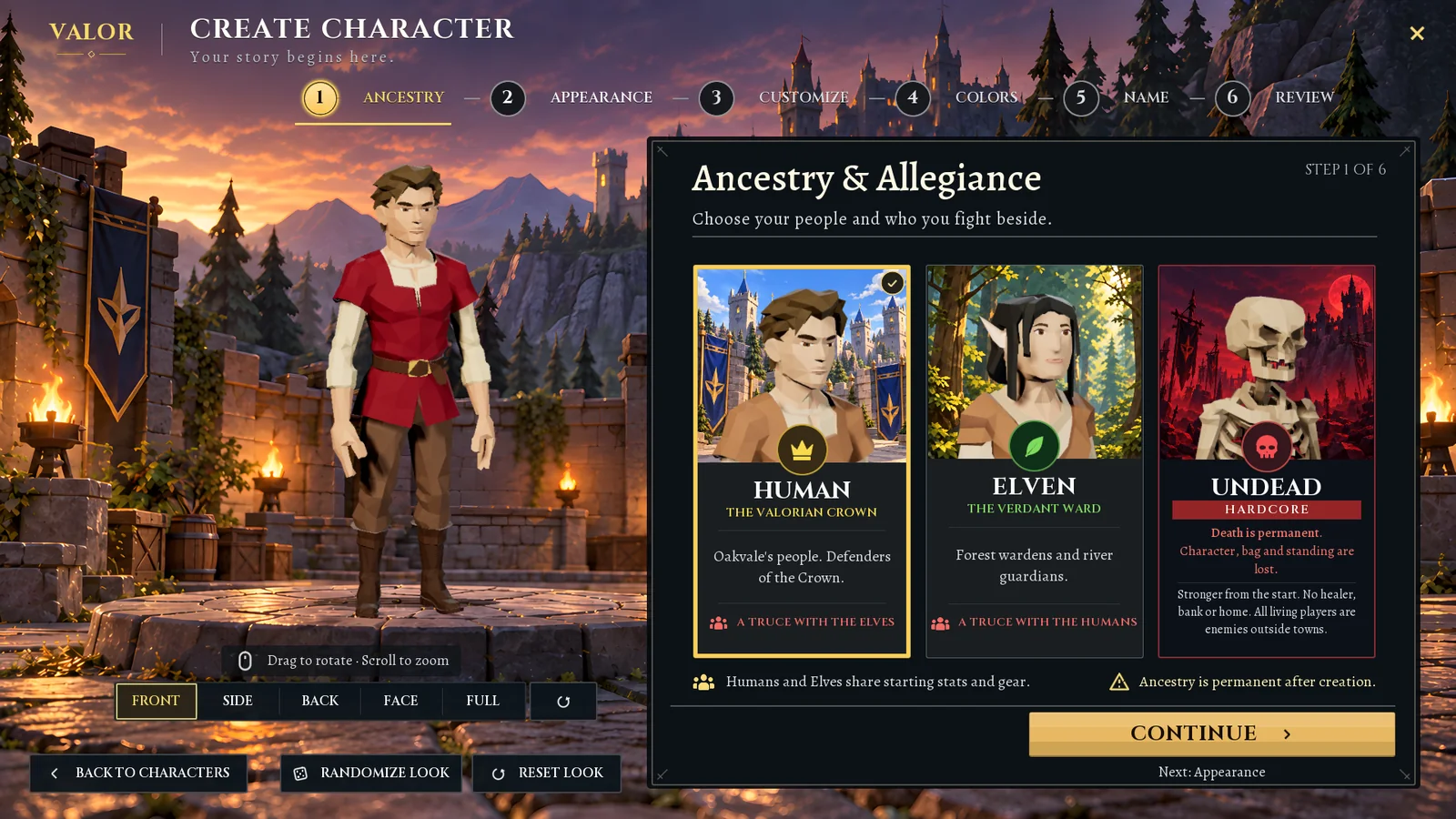
1. Ancestry: say what a choice means
Three cards, three peoples. Each card says in a sentence who they are, and the hardcore choice spells out its consequence in red: death is permanent. A line under the cards says that ancestry cannot be changed later.
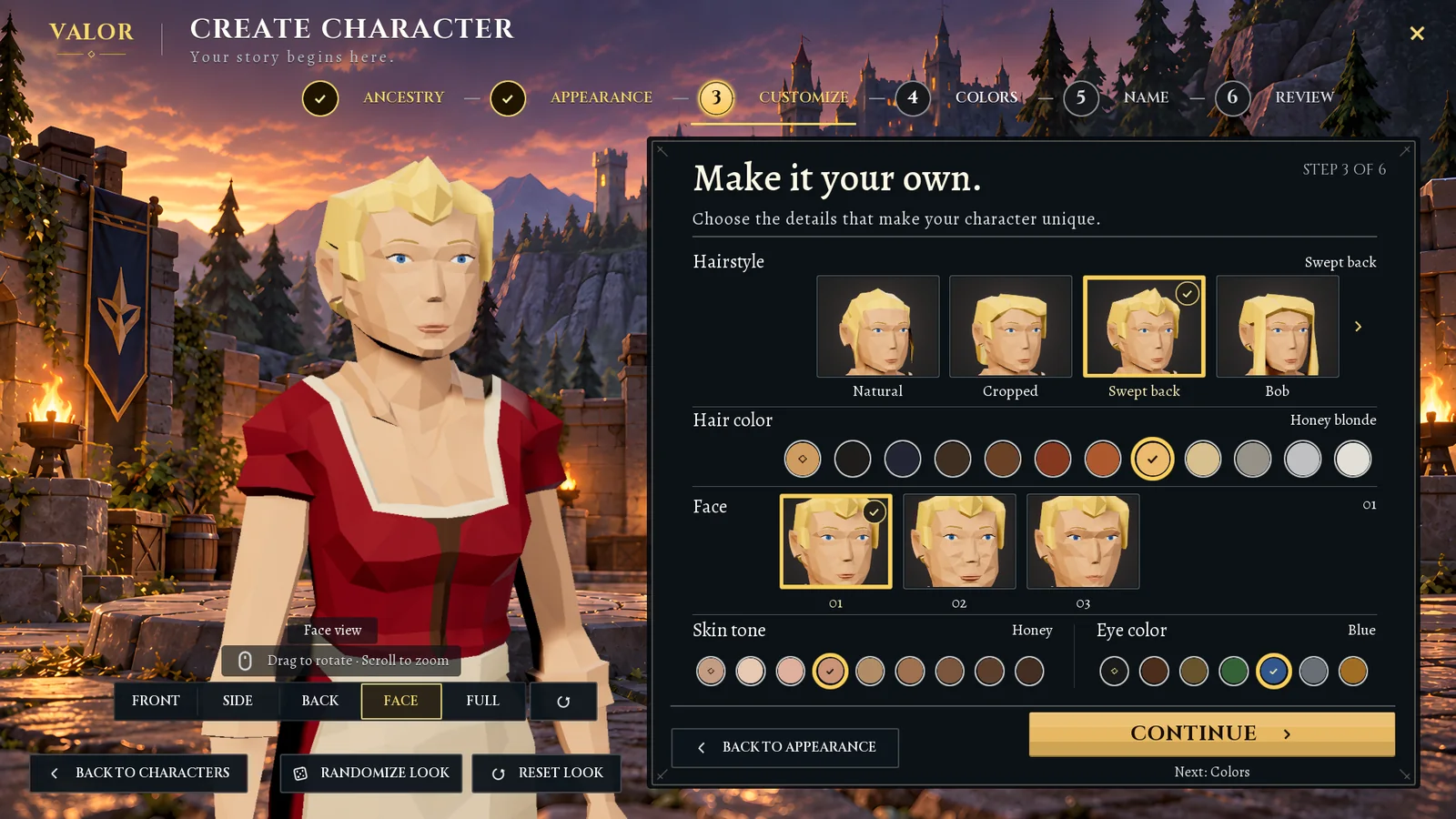
3. Customize: every option has a name
Hairstyle, hair color, face, skin tone and eye color. The current choice is written beside each row, Swept back, Honey blonde, so the screen does not rely on color alone and a player can describe what they picked.
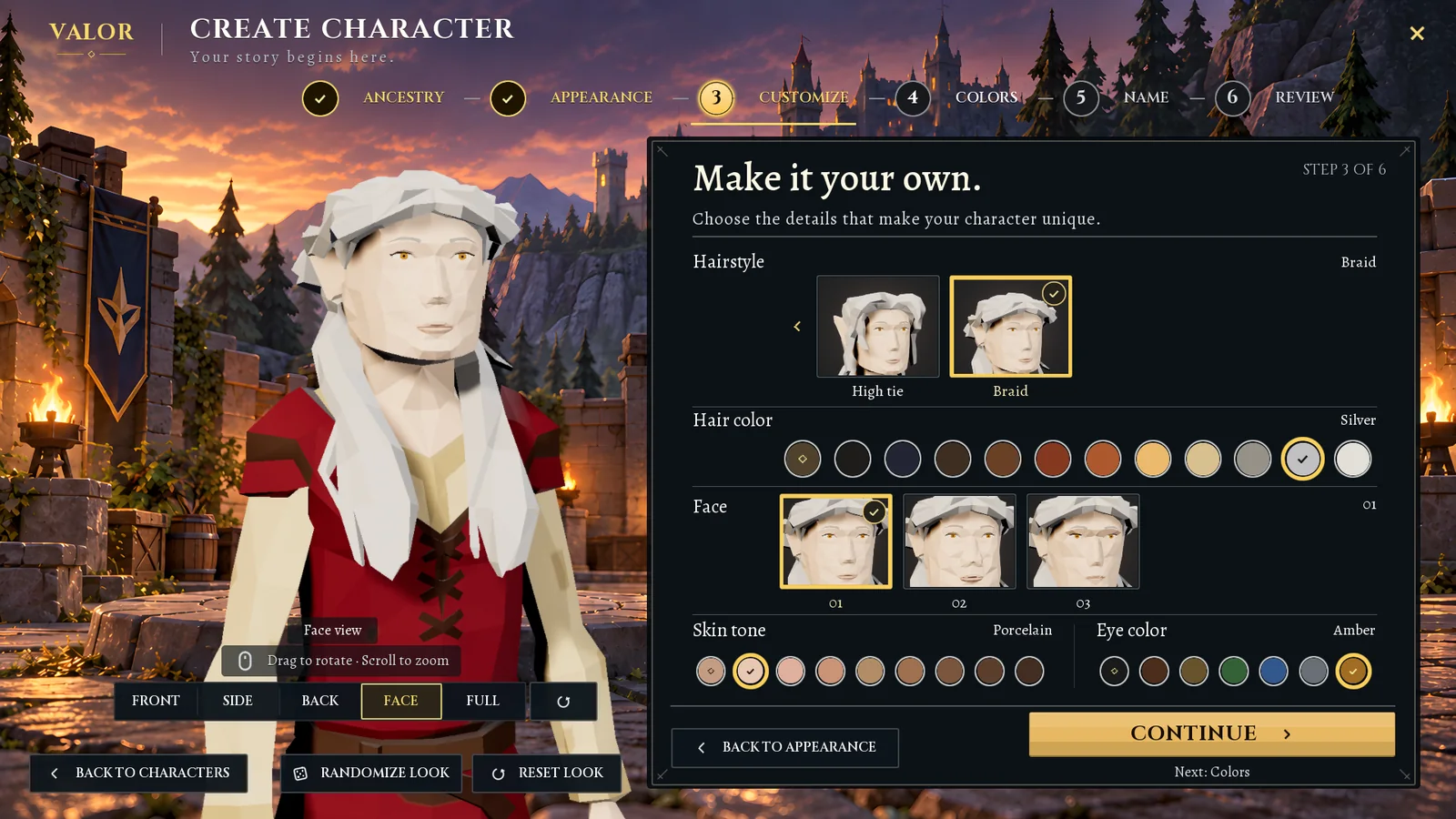
One layout for every people
The same screen serves an elf, with different hair and the same controls in the same places. Learning the screen once is enough.
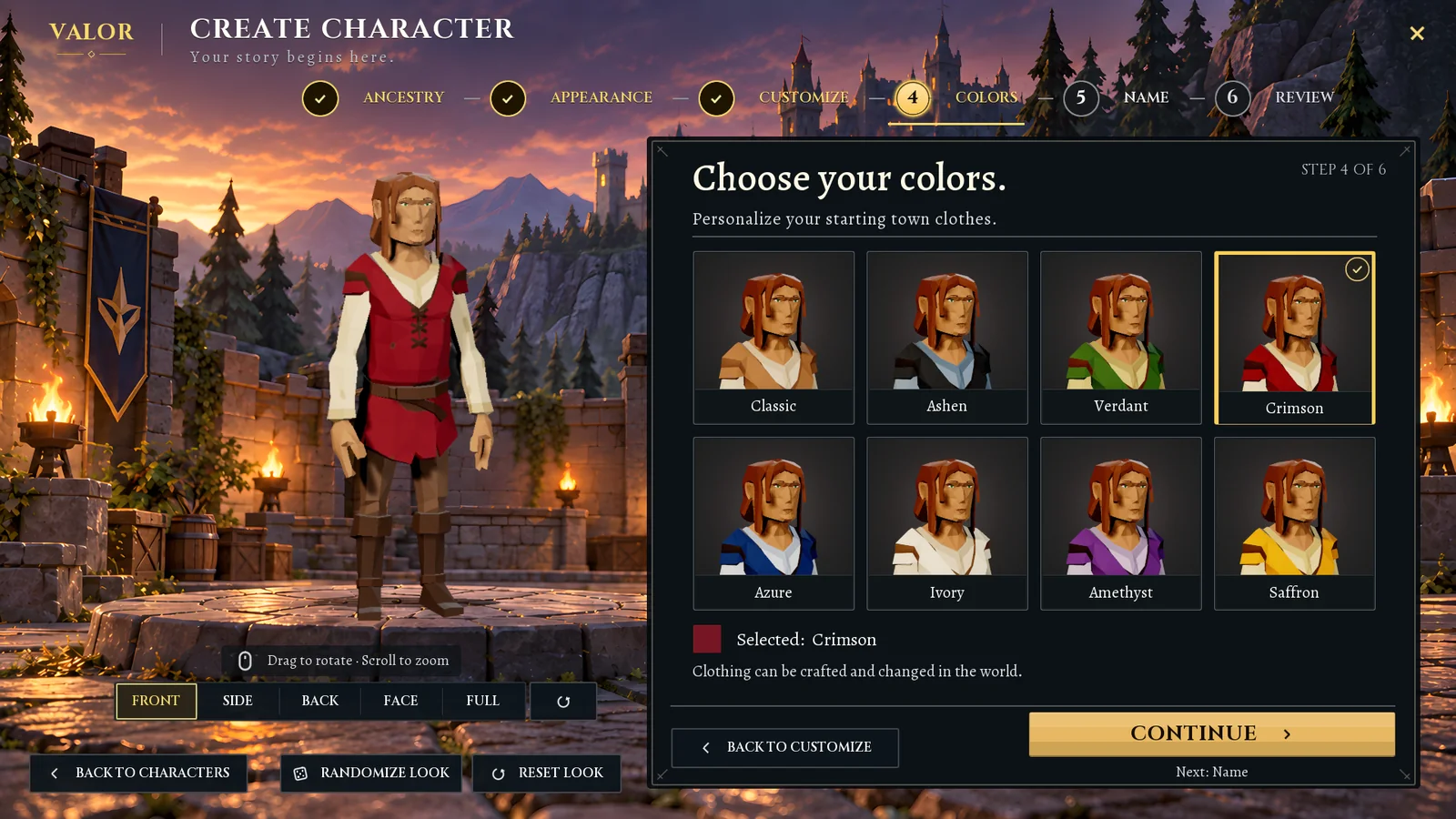
4. Colors: pick by looking
Eight starting outfits shown on the player’s own character, not as abstract swatches. A note says clothing can be crafted and changed later in the world, so nobody agonises over it.
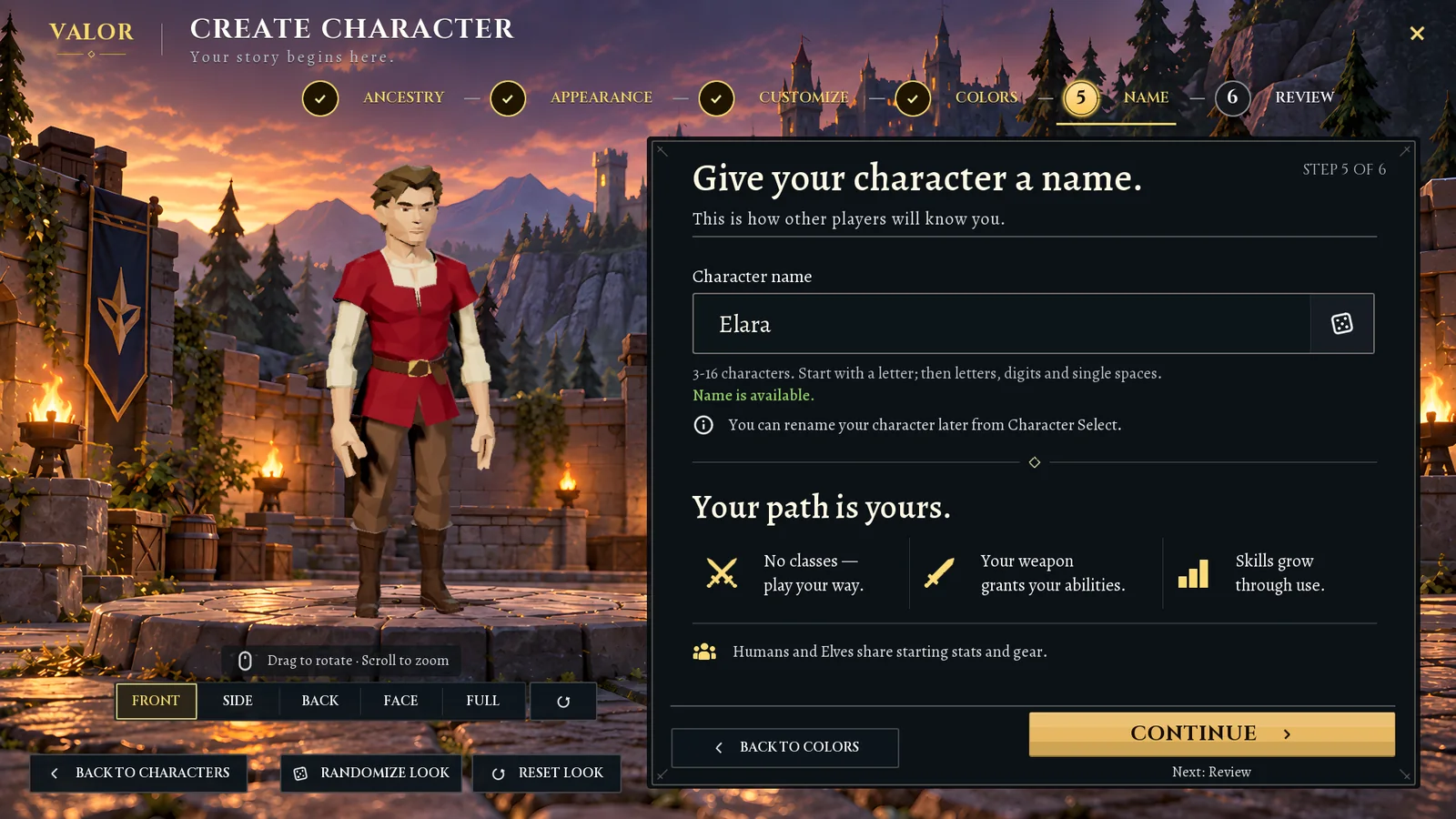
5. Name: checked as you type
The rules for a name are written under the field, and the game says whether a name is free before the player moves on, not after they press the last button.
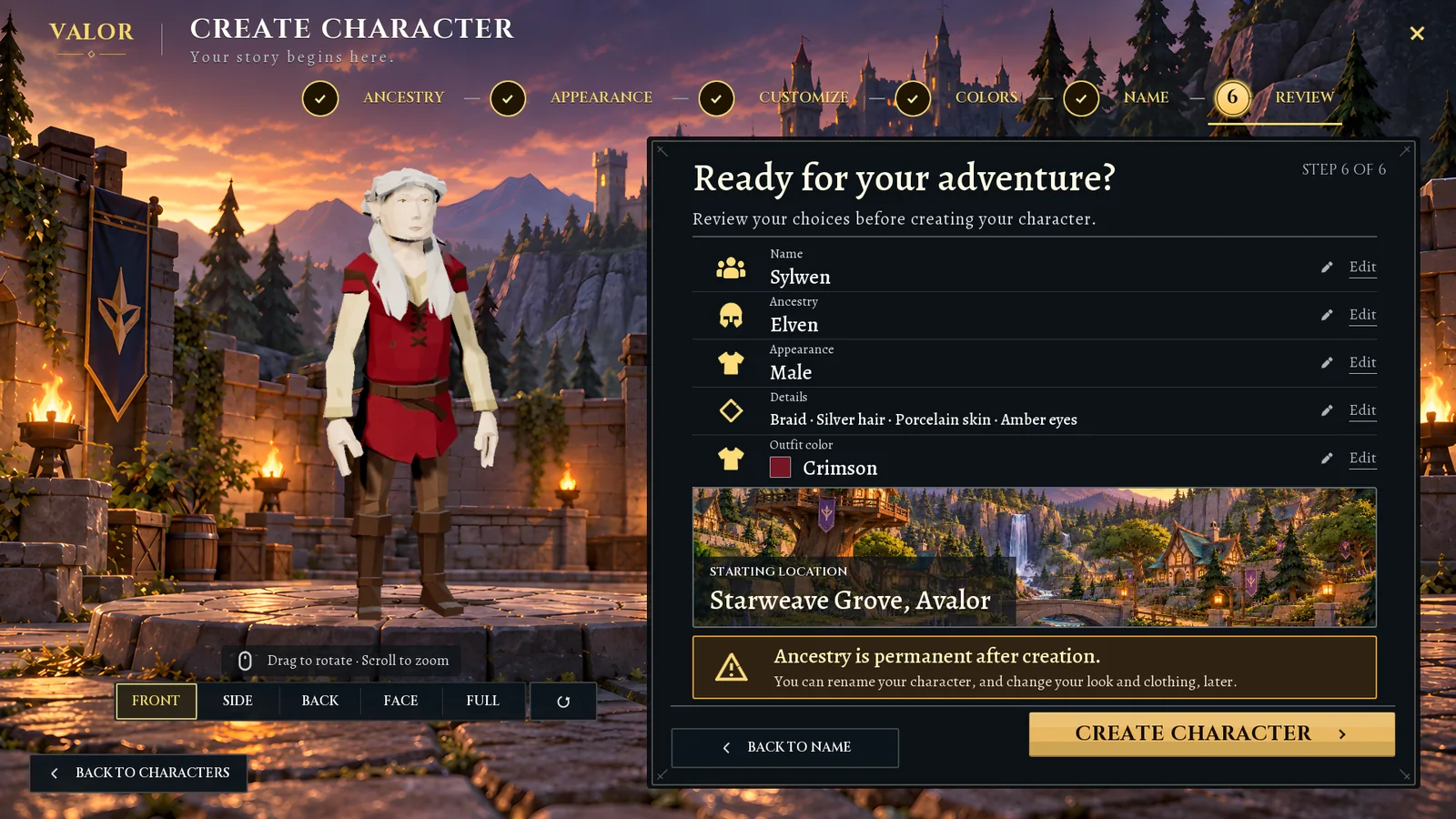
6. Review: everything on one screen, each line editable
The last step lists every choice with an Edit link beside it, shows where the character will start, and repeats the one permanent decision before the Create Character button.
More of the project
The rest of Valor
-
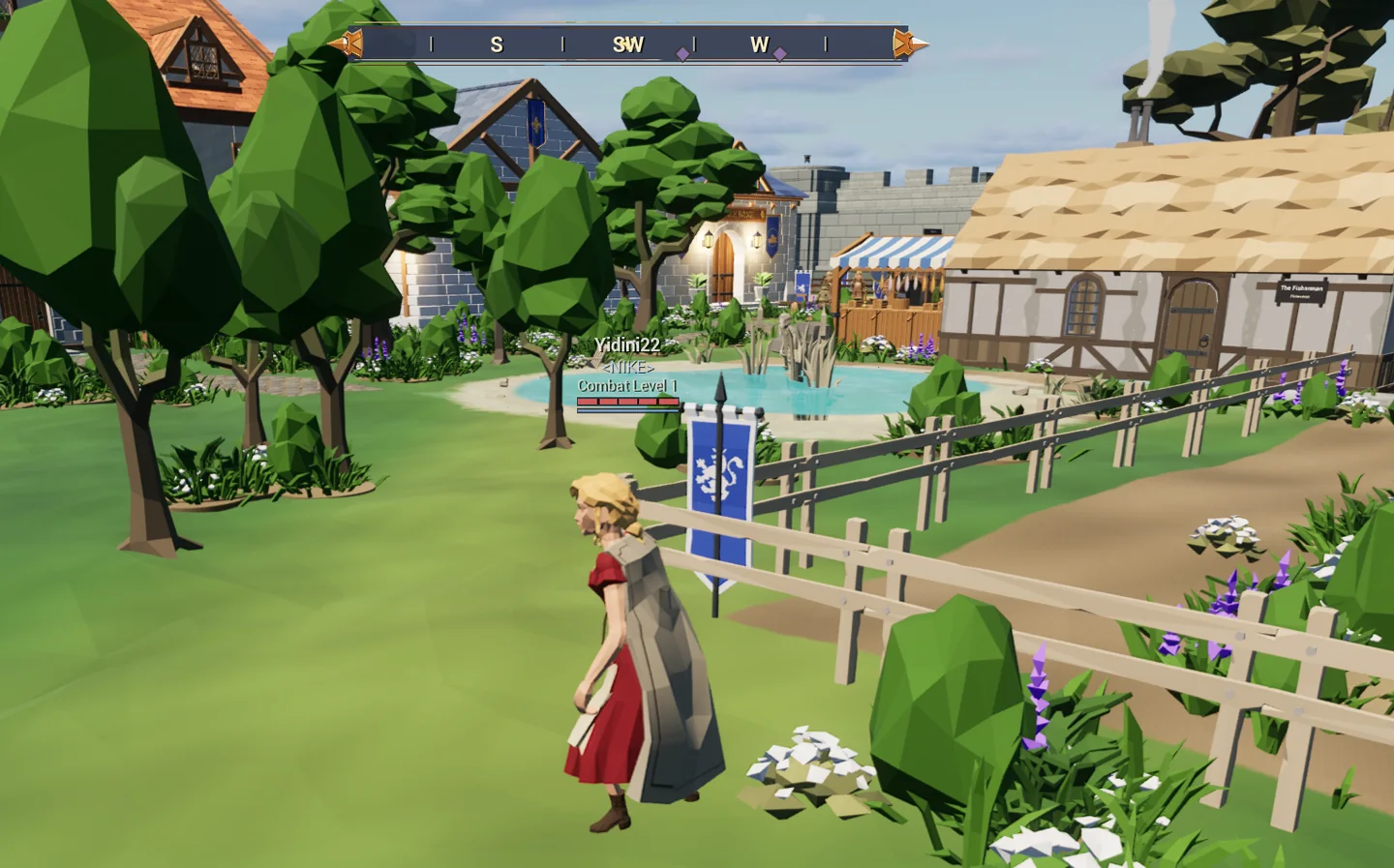
The game
A shared medieval world: a town, keeps to fight through, the sea, and tavern games.
-
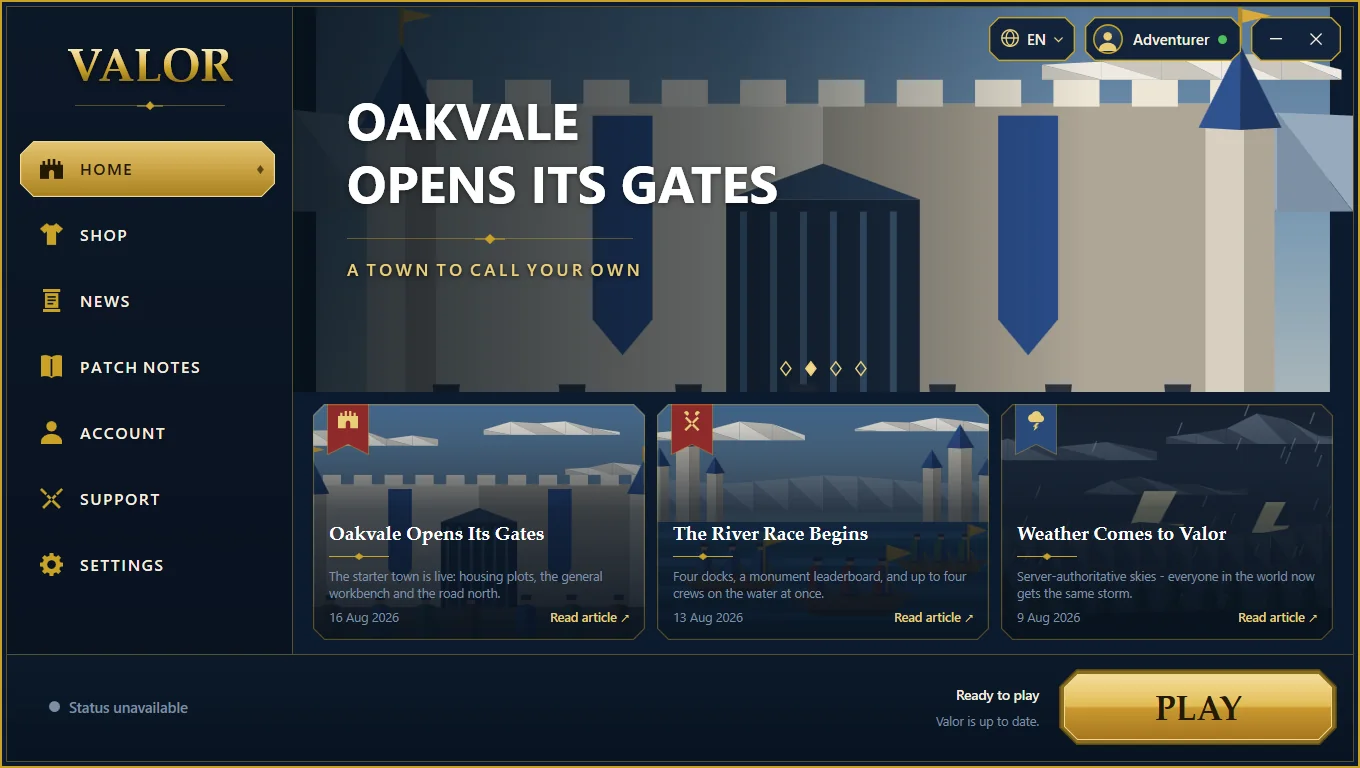
The launcher
A Windows application we wrote to install, update and start the game.
-
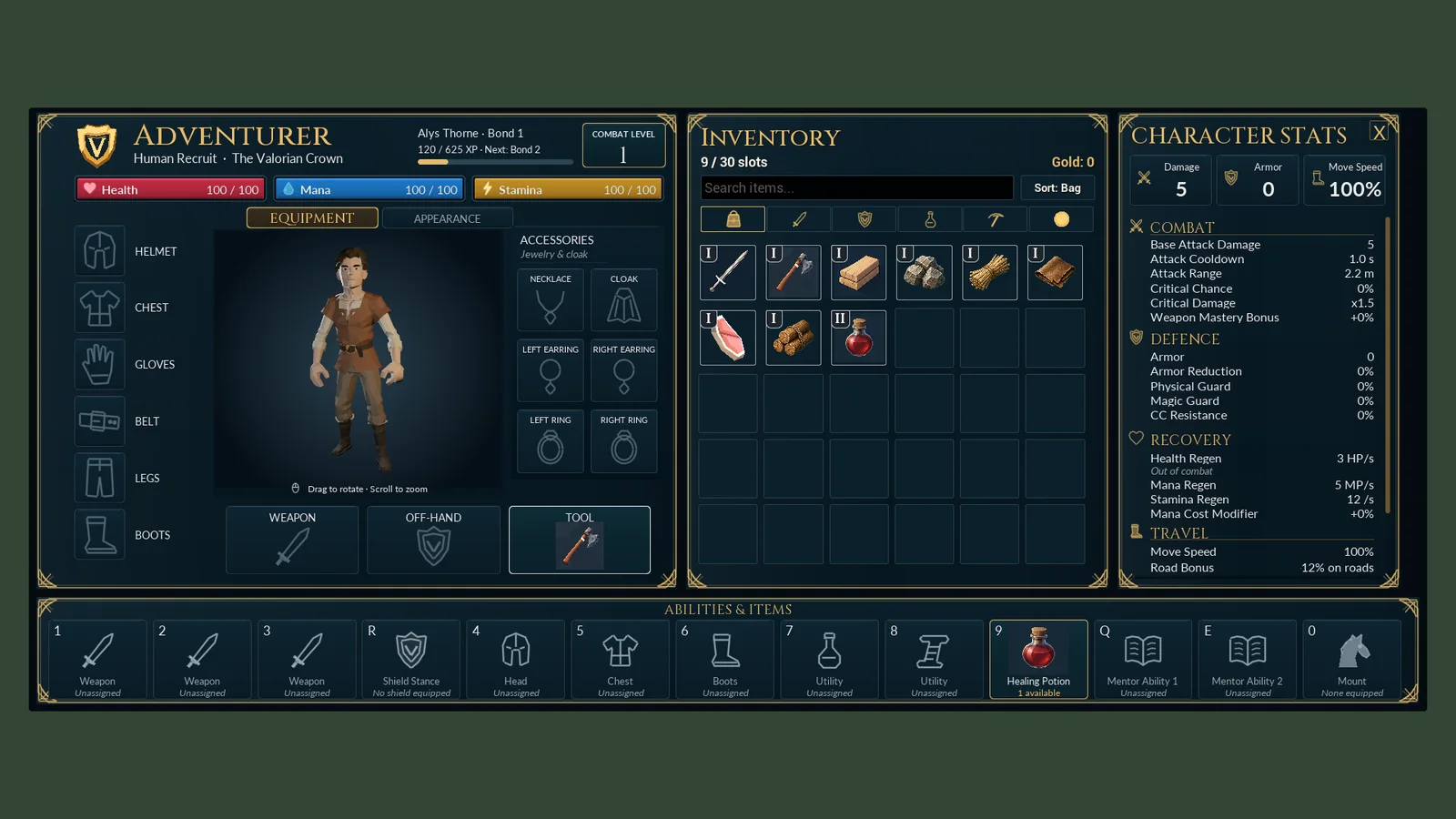
Interface design
The title screen, character windows, conversations and mini-game screens.
-
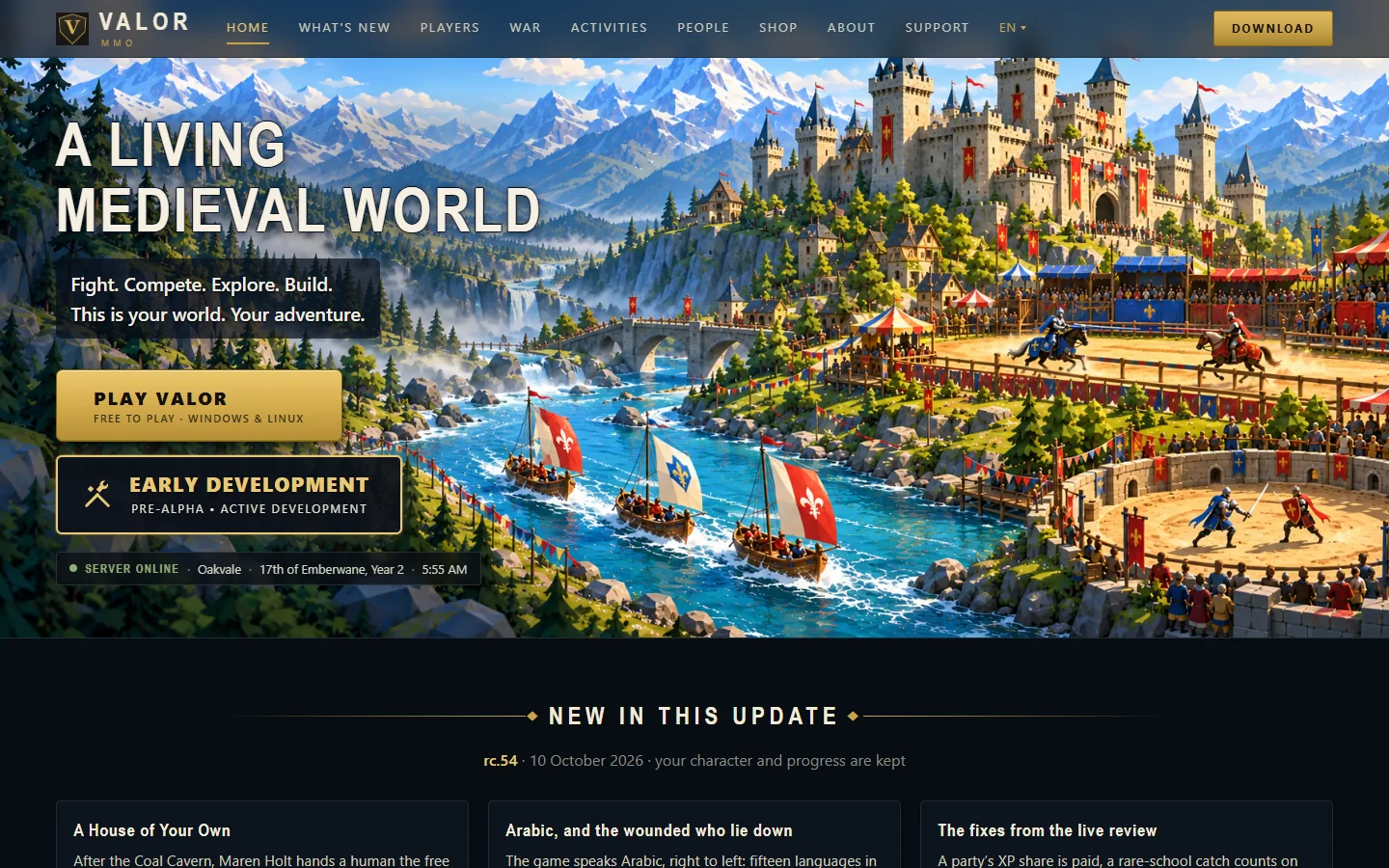
The website
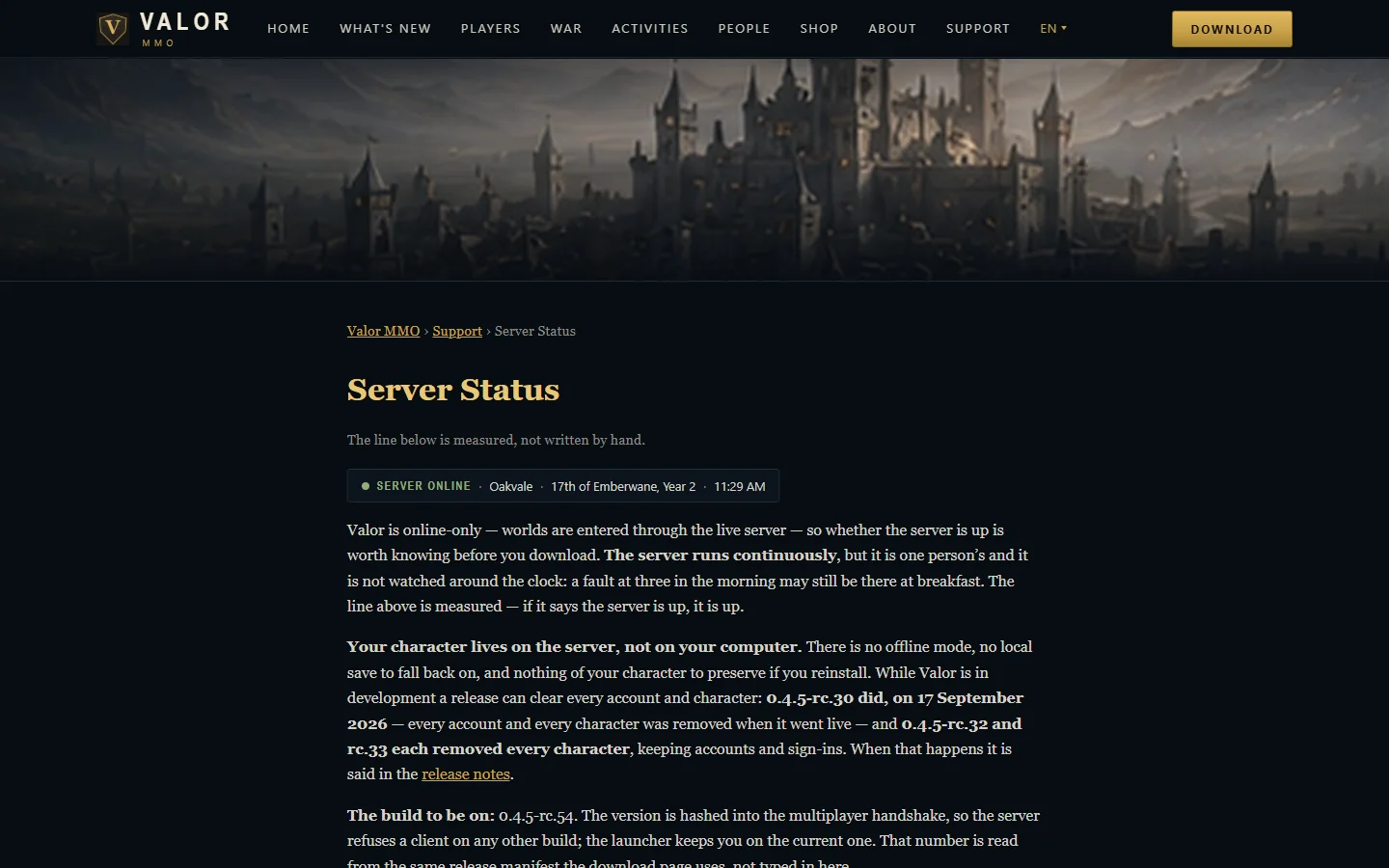
valormmo.com: guides, patch notes, accounts and a live server status.
-
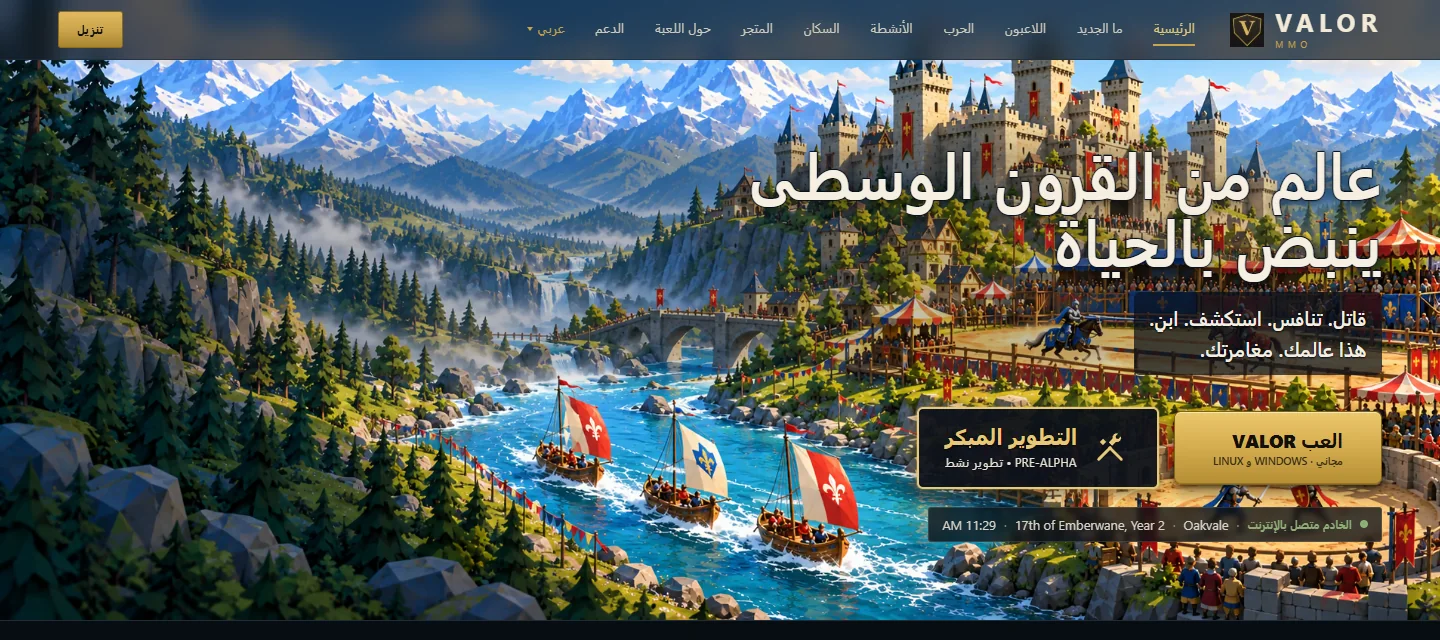
Fifteen languages
The game, the launcher and the website, translated and checked, including Arabic.
-
Technology
What Valor is built with, from the game engine to the web server.
Have a project that is more than a website? Tell us what you want to build.
Contact us