Valor MMO · The launcher
The launcher: one window to install, update and play
Players do not download a game and hope it is current. They download a small signed installer, and from then on the Valor launcher keeps the game up to date, checks the installed files and starts it. We wrote it ourselves as a Windows desktop application in .NET, with a separate launcher for Linux.
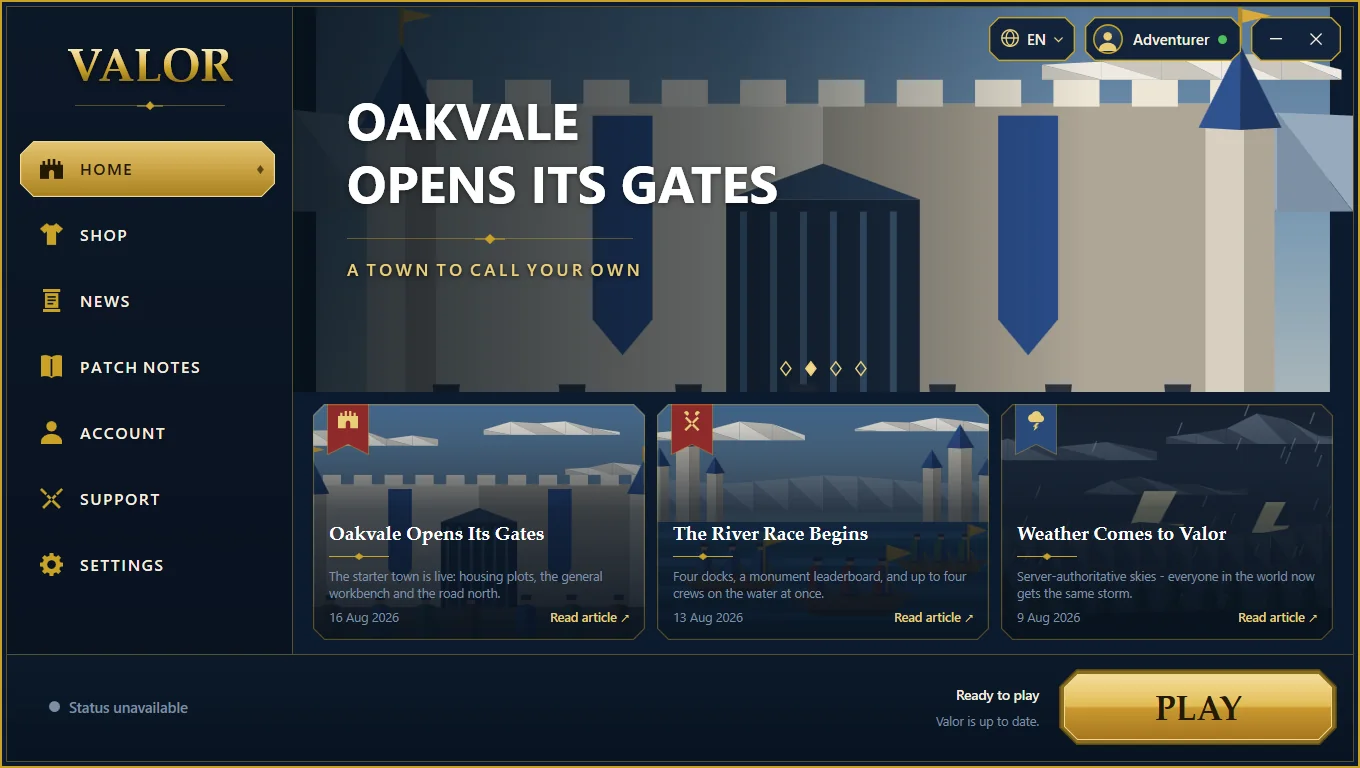
A home page that says what is new
The first screen shows the latest news, whether the game is ready, and one large Play button. The status line at the bottom left reports the server, and the line beside the button says whether an update is needed.
- Updates download only what changed
- Verify Files repairs a damaged install
- The banner and news are delivered from the website, so they change without a new launcher
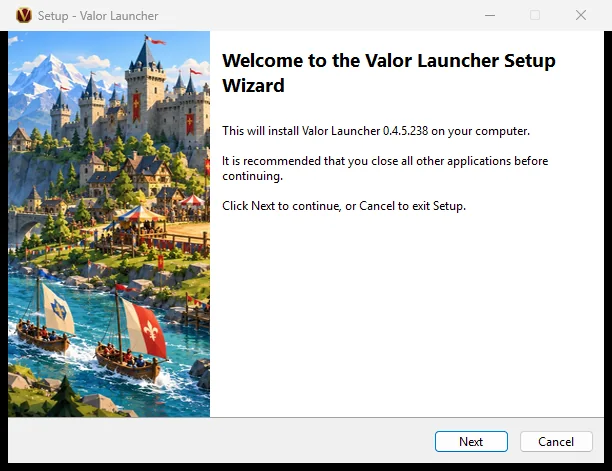
A signed installer
The launcher installs like any well-behaved Windows program, with our own installer. Both the installer and the launcher are code-signed, so Windows can show who published them, and the website publishes checksums for every download.
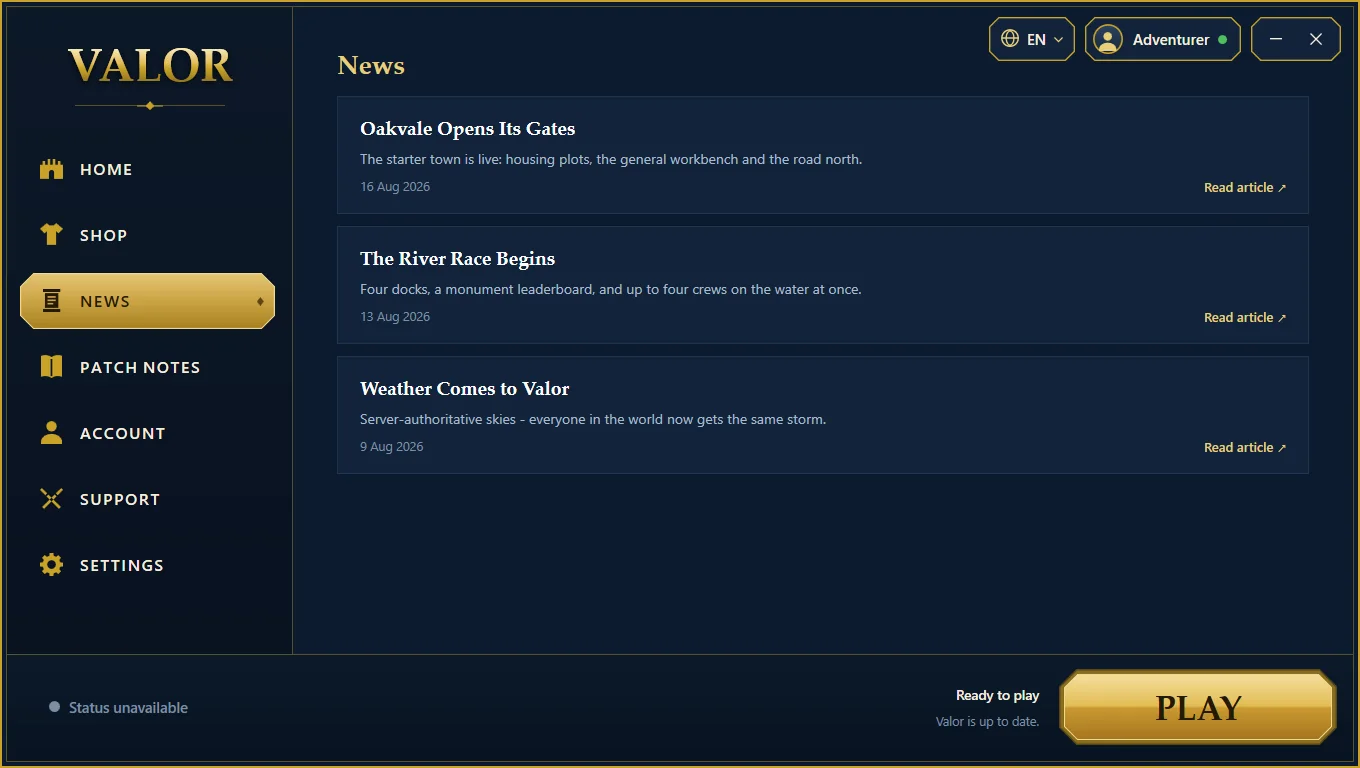
News and patch notes inside the window
Players read what changed without leaving the launcher. Each article opens the full story on the website.
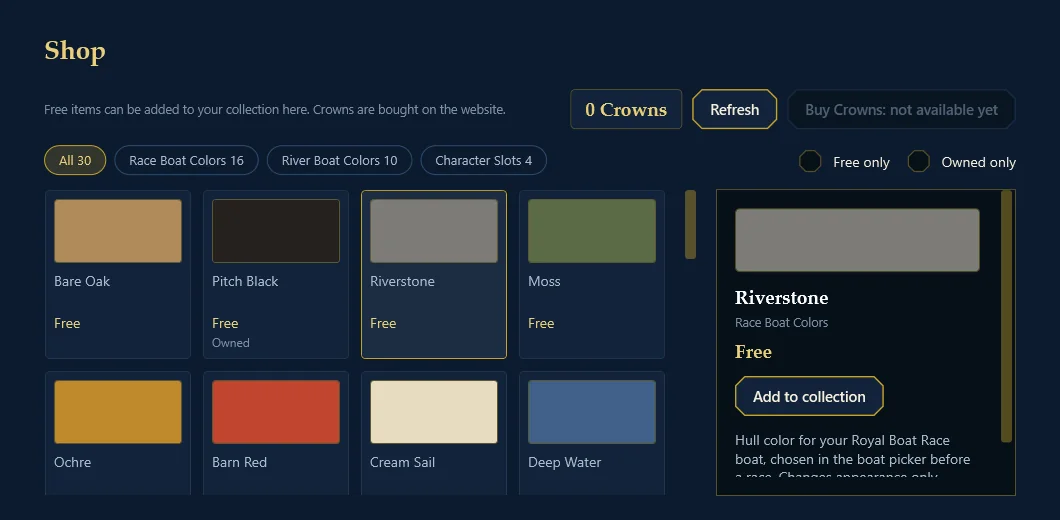
A shop for cosmetic items
The shop lists cosmetic items such as boat colors, with filters, a detail panel and the player’s balance. Purchases themselves happen on the website, in the player’s own browser.
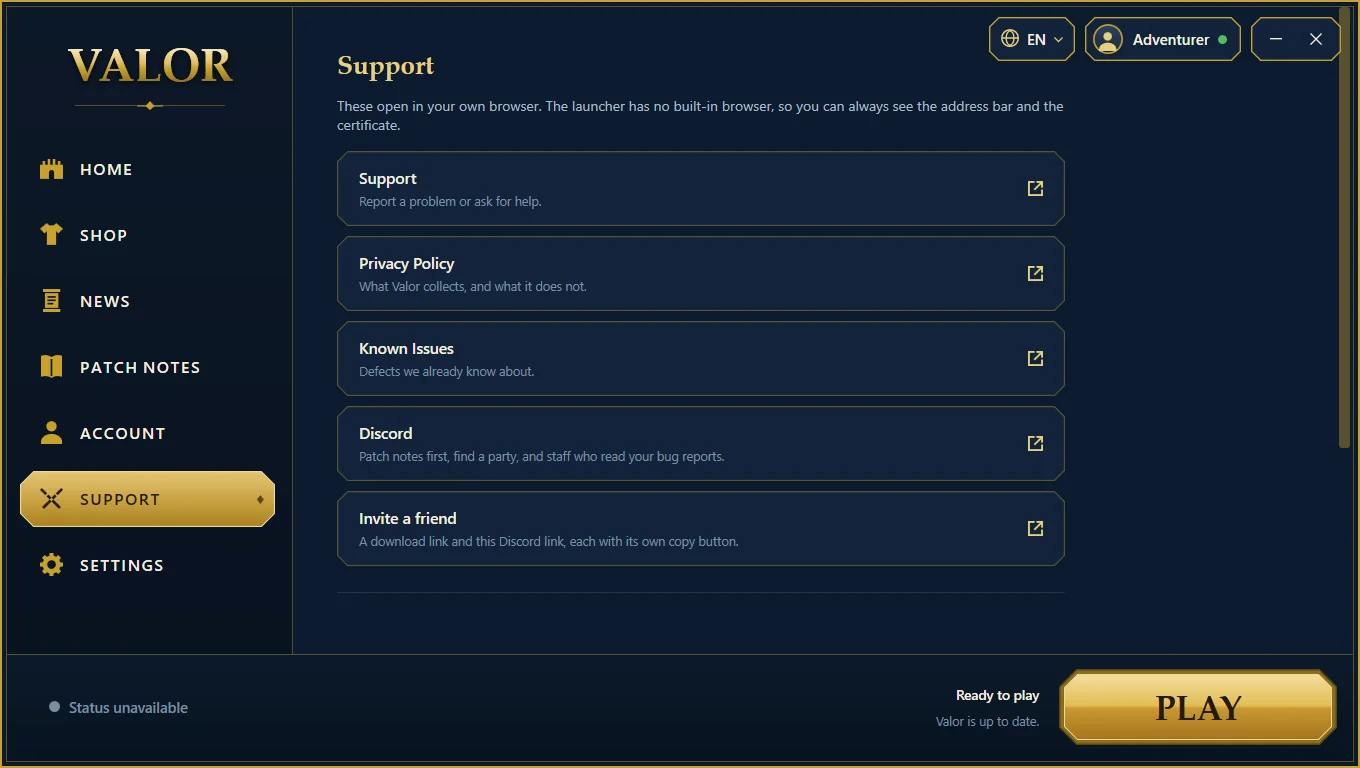
Help that opens in your own browser
Support, the privacy policy, known issues and the community link all open in the player’s own browser. The launcher has no browser built in, on purpose: the player can always see the address they are visiting.
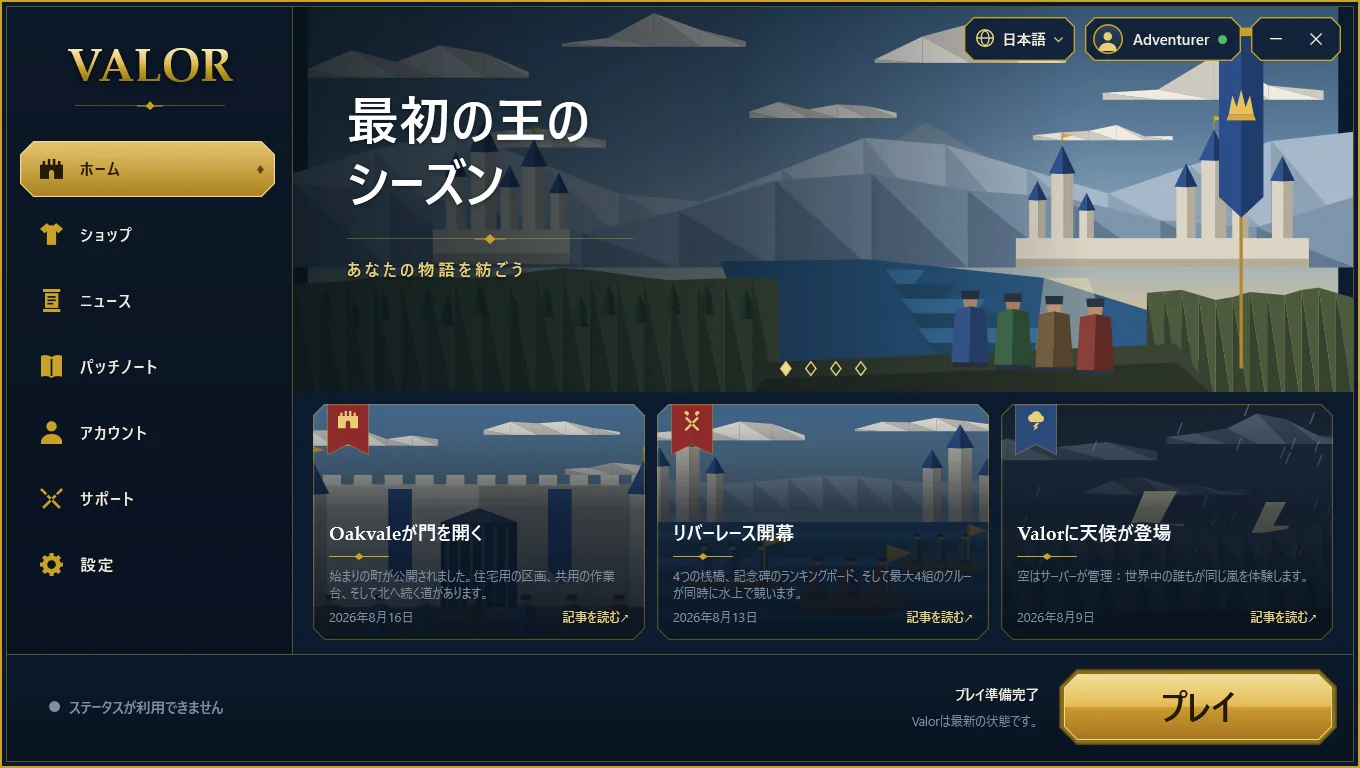
Every screen, in every language
A language menu at the top switches the whole interface at once, including the news. Longer words and different scripts all have to fit the same window, so each screen is checked in each language before a release.
More of the project
The rest of Valor
-
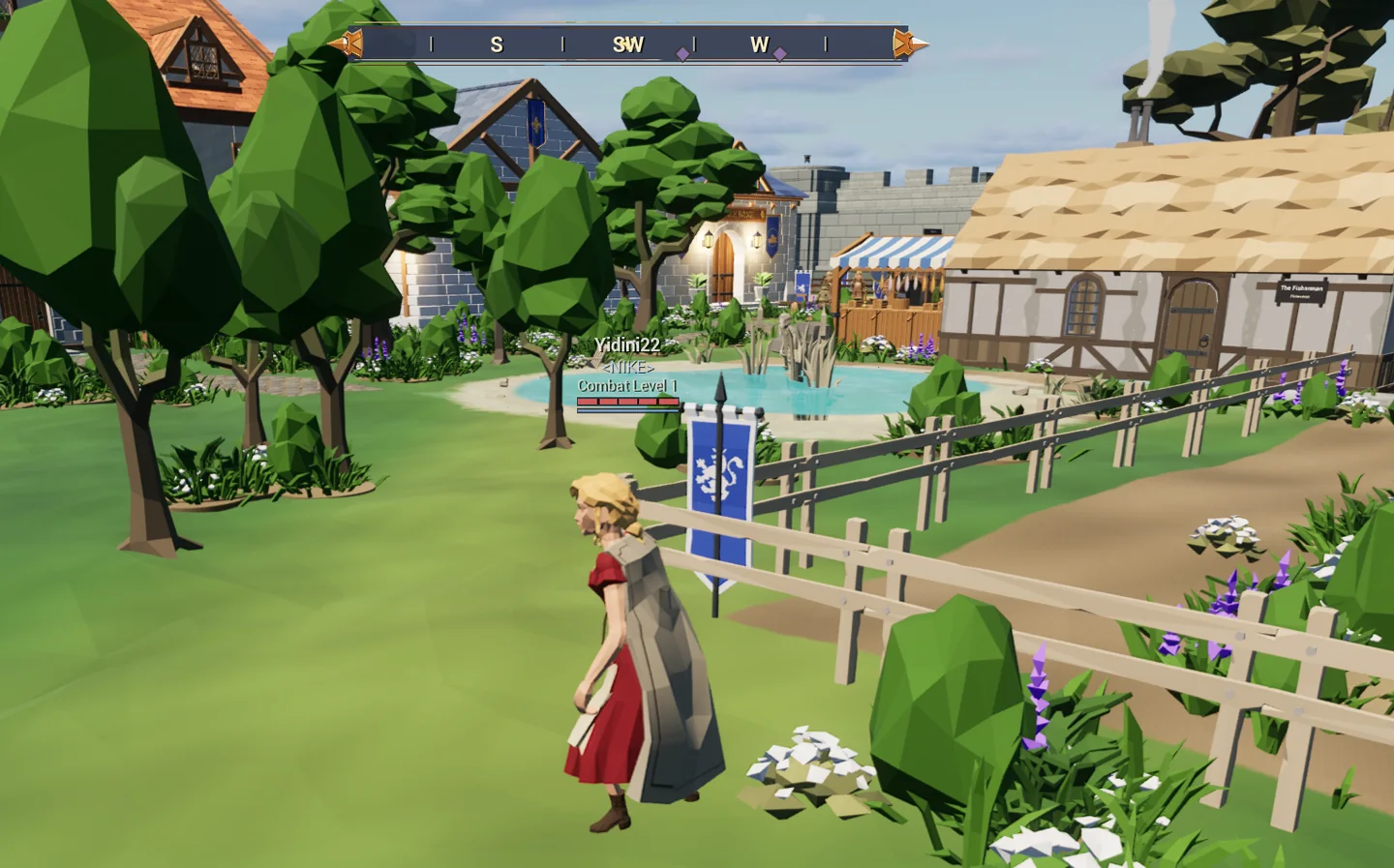
The game
A shared medieval world: a town, keeps to fight through, the sea, and tavern games.
-
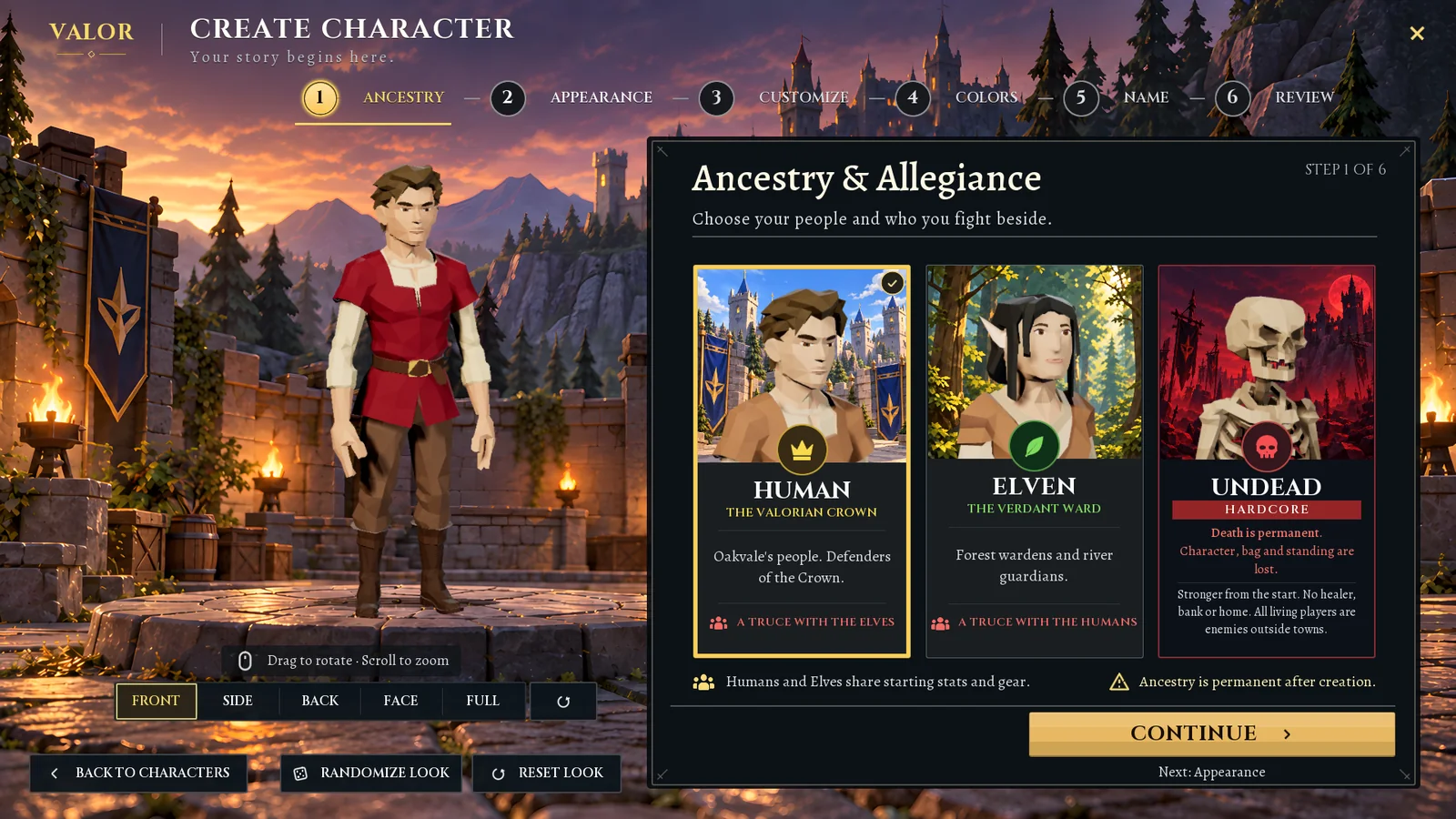
The character creator
Six clear steps from a blank slate to a named character, with a live 3D preview.
-
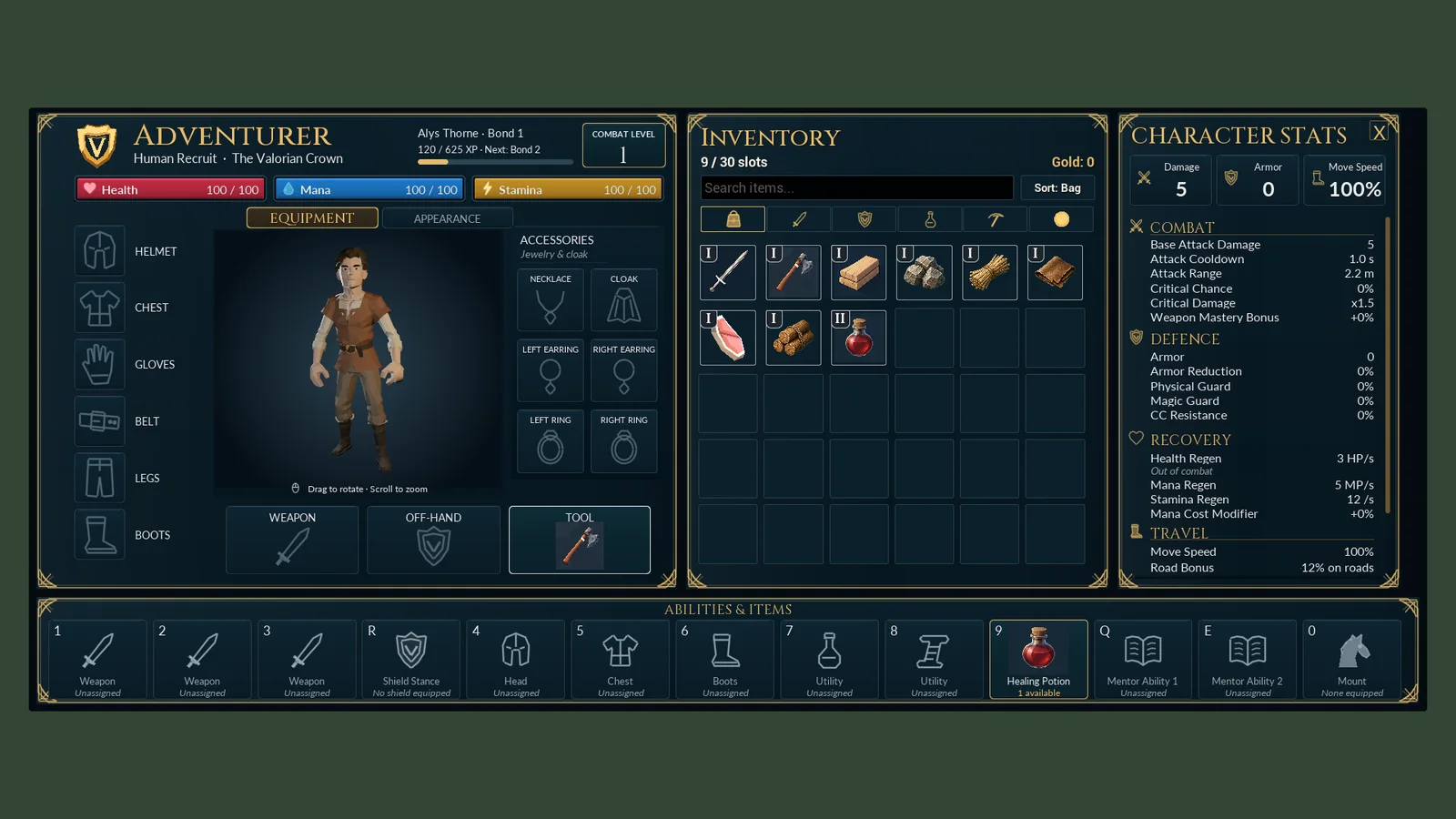
Interface design
The title screen, character windows, conversations and mini-game screens.
-
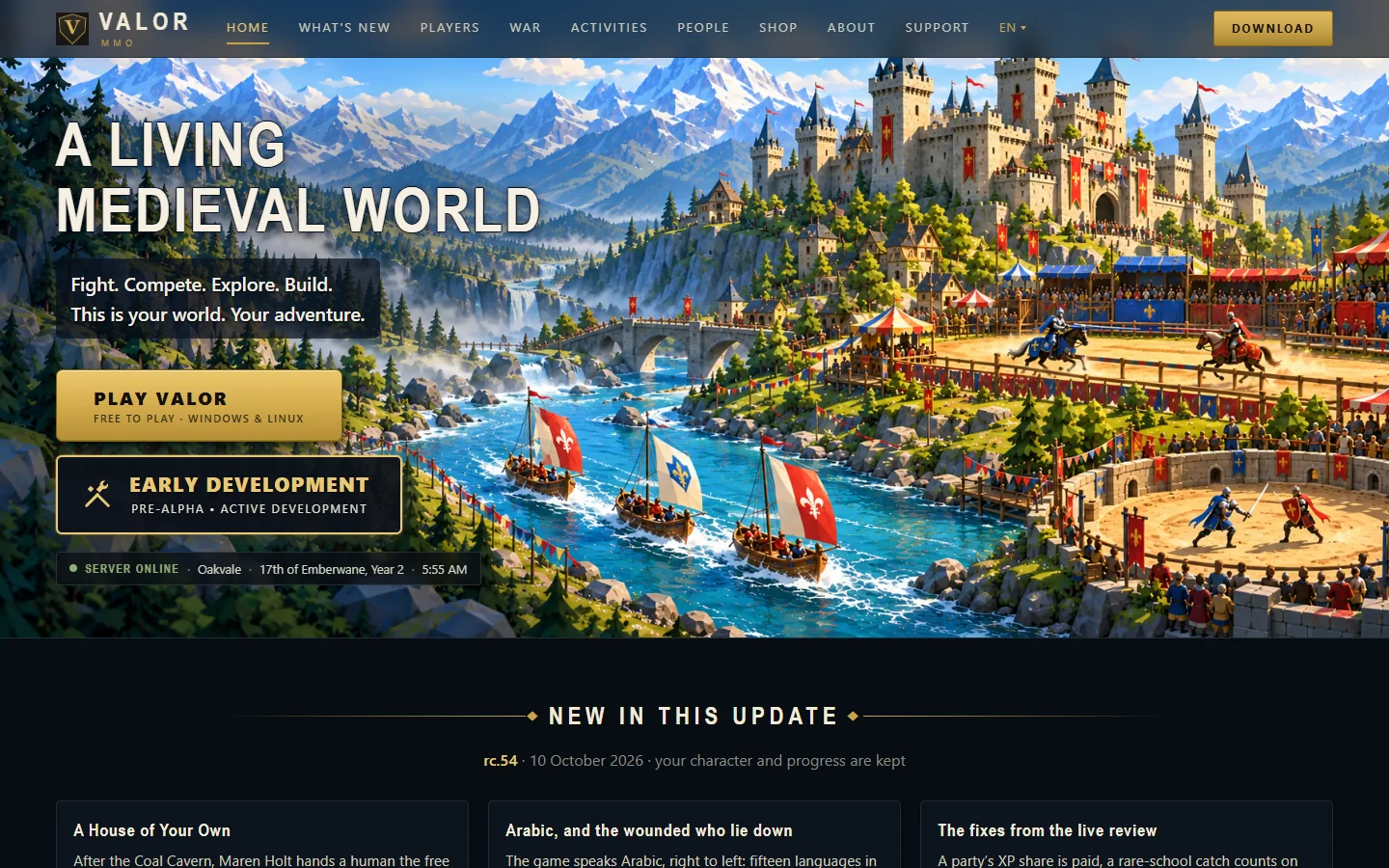
The website
valormmo.com: guides, patch notes, accounts and a live server status.
-
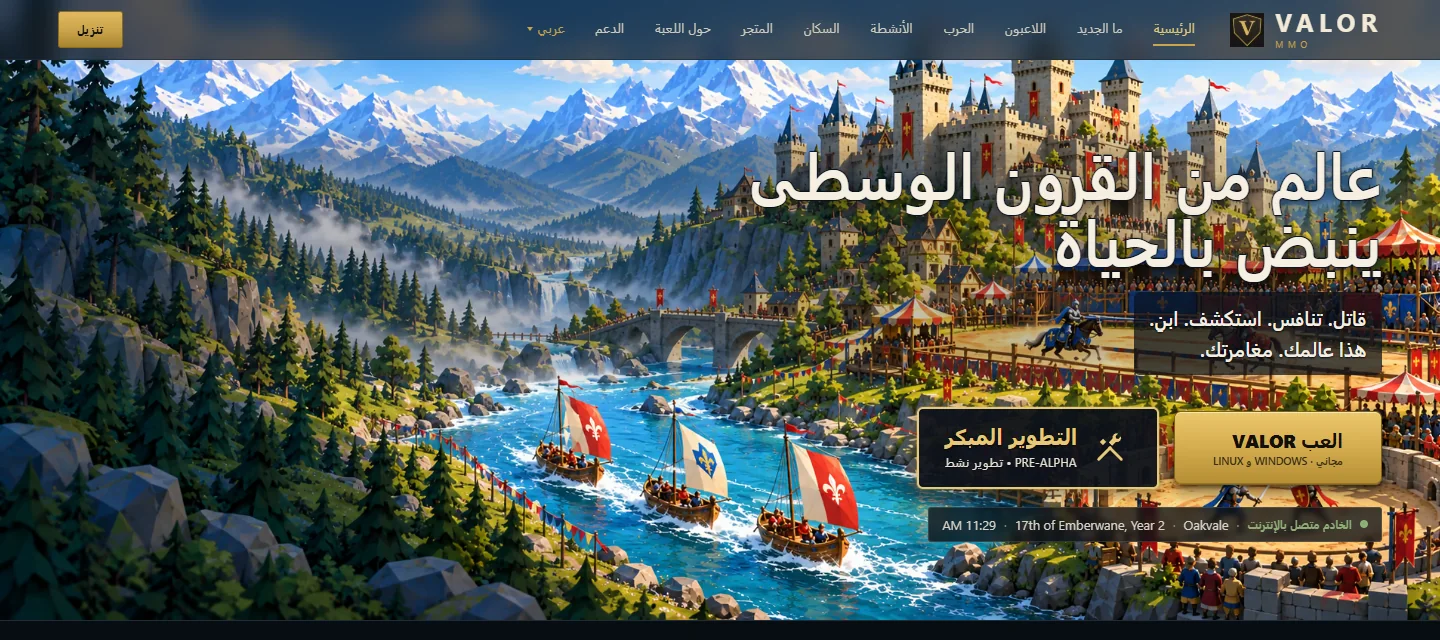
Fifteen languages
The game, the launcher and the website, translated and checked, including Arabic.
-
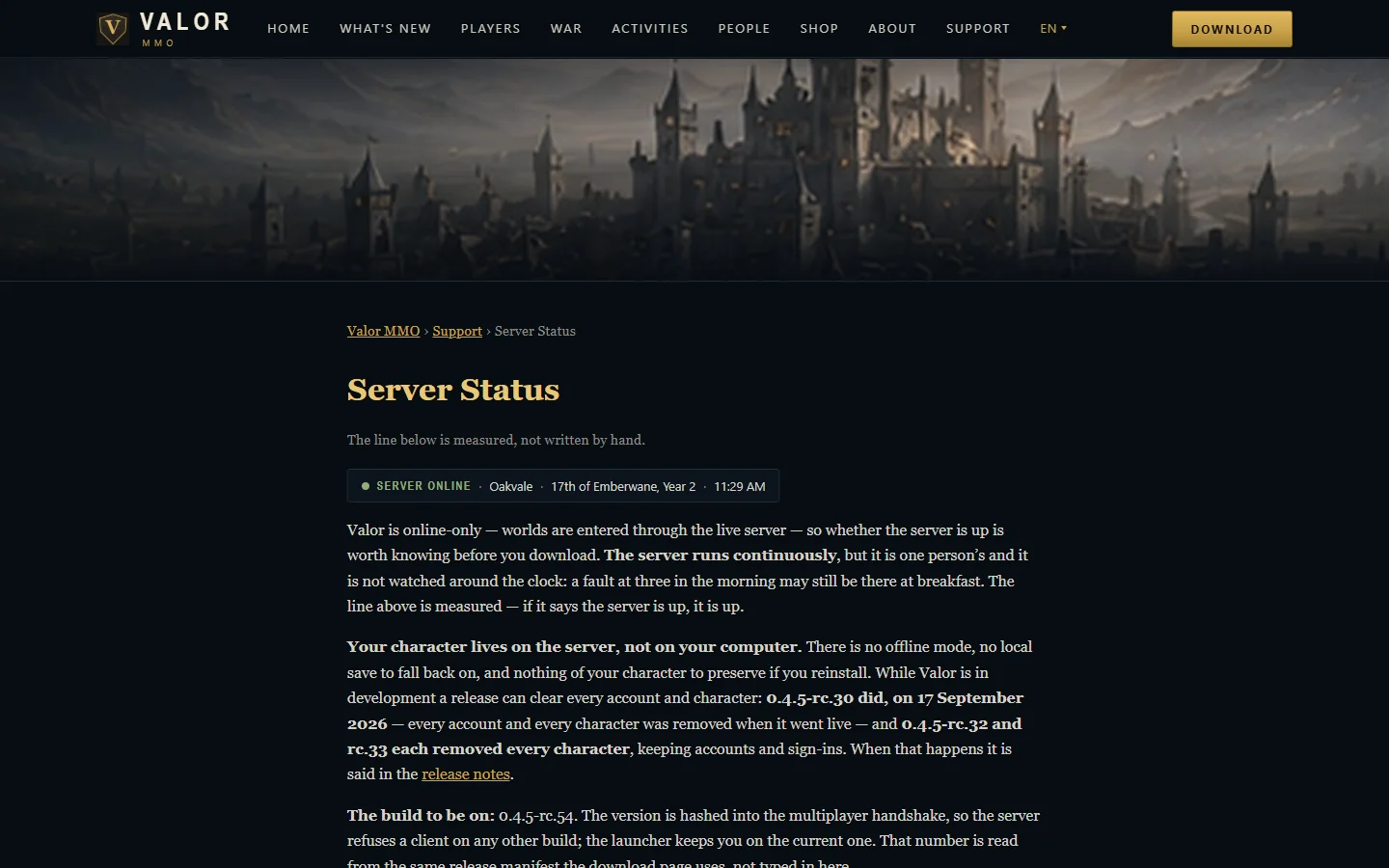
Technology
What Valor is built with, from the game engine to the web server.
Have a project that is more than a website? Tell us what you want to build.
Contact us