Valor MMO · Interface design
Interface design: one visual system across every screen
A game is hundreds of screens: windows, menus, conversations and counters. In Valor they share one design system, navy panels with gold rules and a serif for titles, so that a player who has learned one window can read the next. We drew the system and built every screen in it.
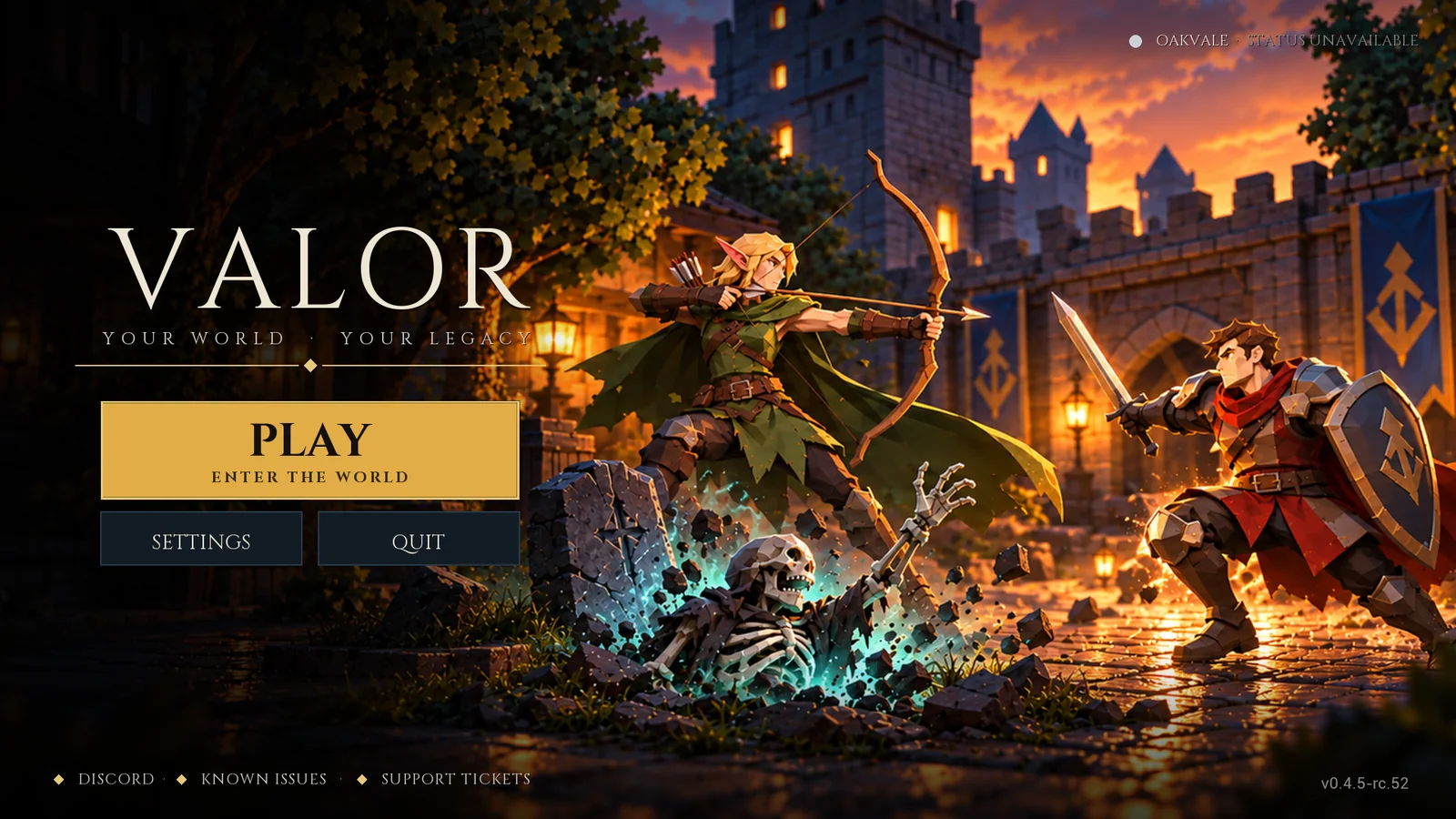
A title screen with one obvious button
Play is the largest thing on the screen. Settings and Quit sit under it, and the links along the bottom lead to the community, known issues and support.
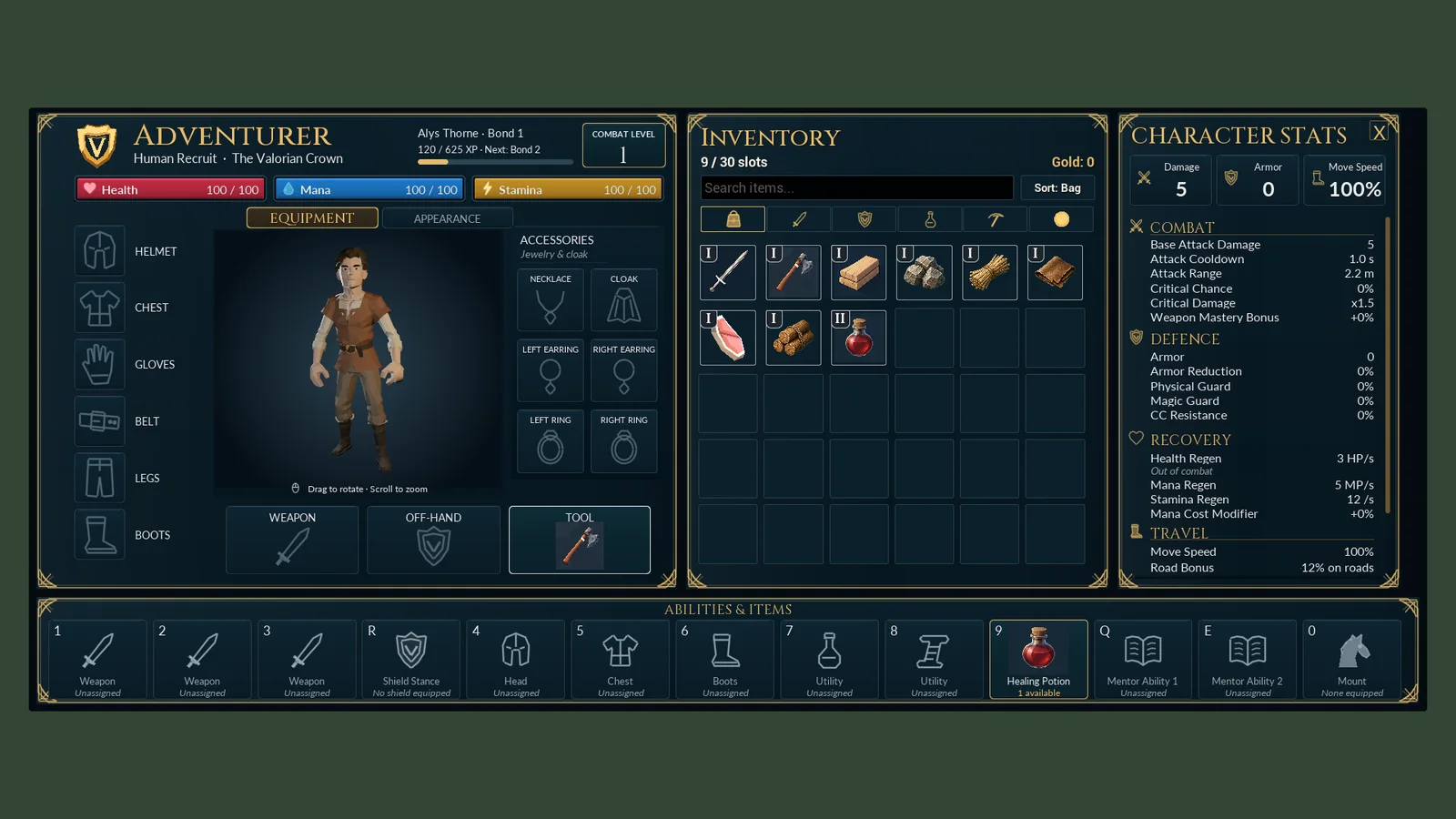
Windows that dock together
The character sheet, the bag and the statistics panel open as one joined set and share a header style. Every equipment slot is labelled, and every number in the statistics panel has a name and a unit.
- Slots are labelled in words, not only with icons
- Item quality is shown by a name as well as a color
- The same windows work at 1080p and on an ultrawide screen
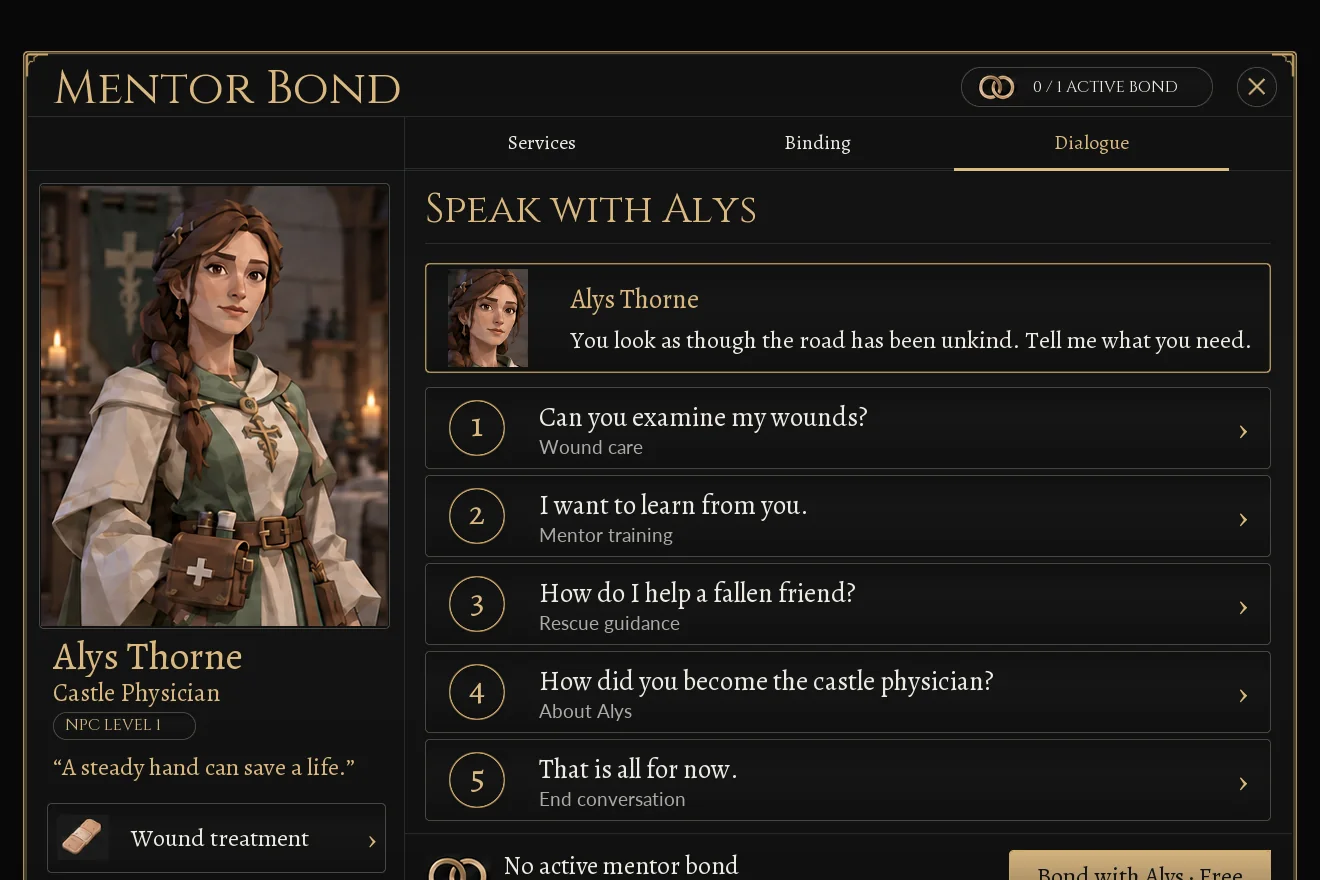
Conversations with numbered choices
Every character in town has a portrait, a role and something to say. Replies are numbered, so they can be chosen with the keyboard as easily as with the mouse, and a small label under each says where it leads.
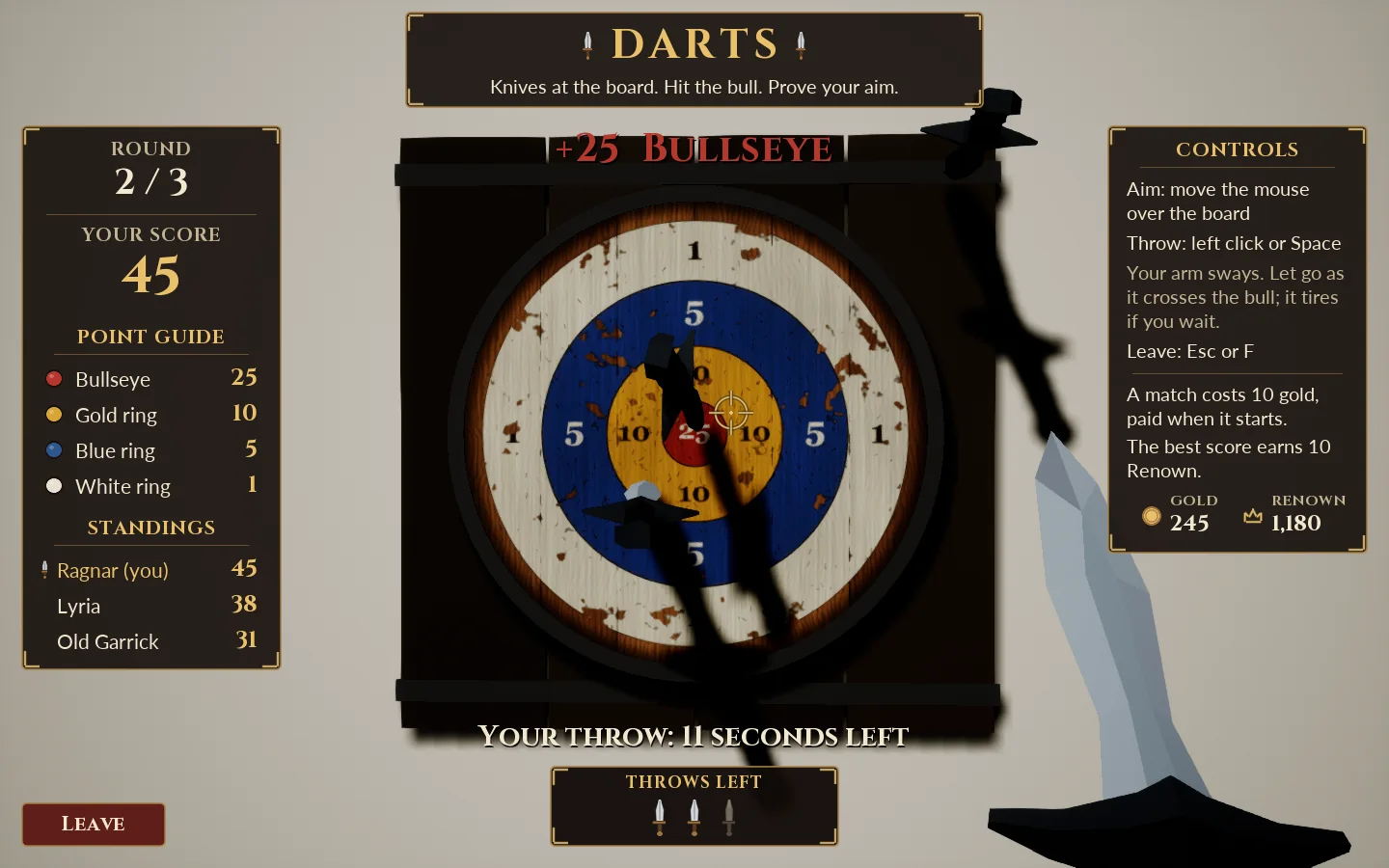
Mini-games that explain themselves
The darts screen puts the rules where the player is looking: the point guide and standings on the left, the controls on the right, the time left under the board. Nobody has to read a manual to throw a dart.
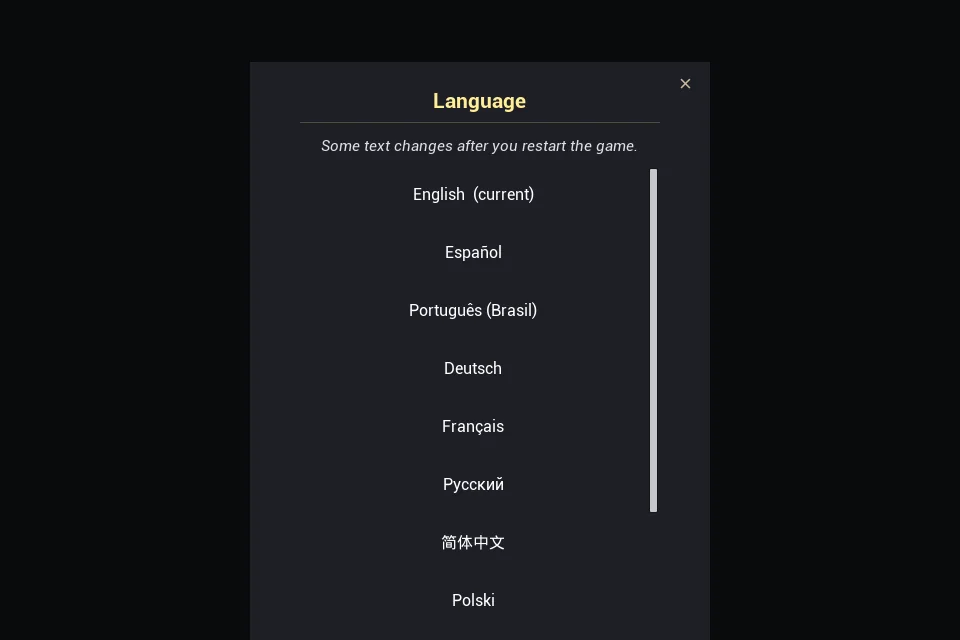
Settings in plain words
Each language is listed under its own name, so a player who cannot read the current language can still find theirs.
More of the project
The rest of Valor
-
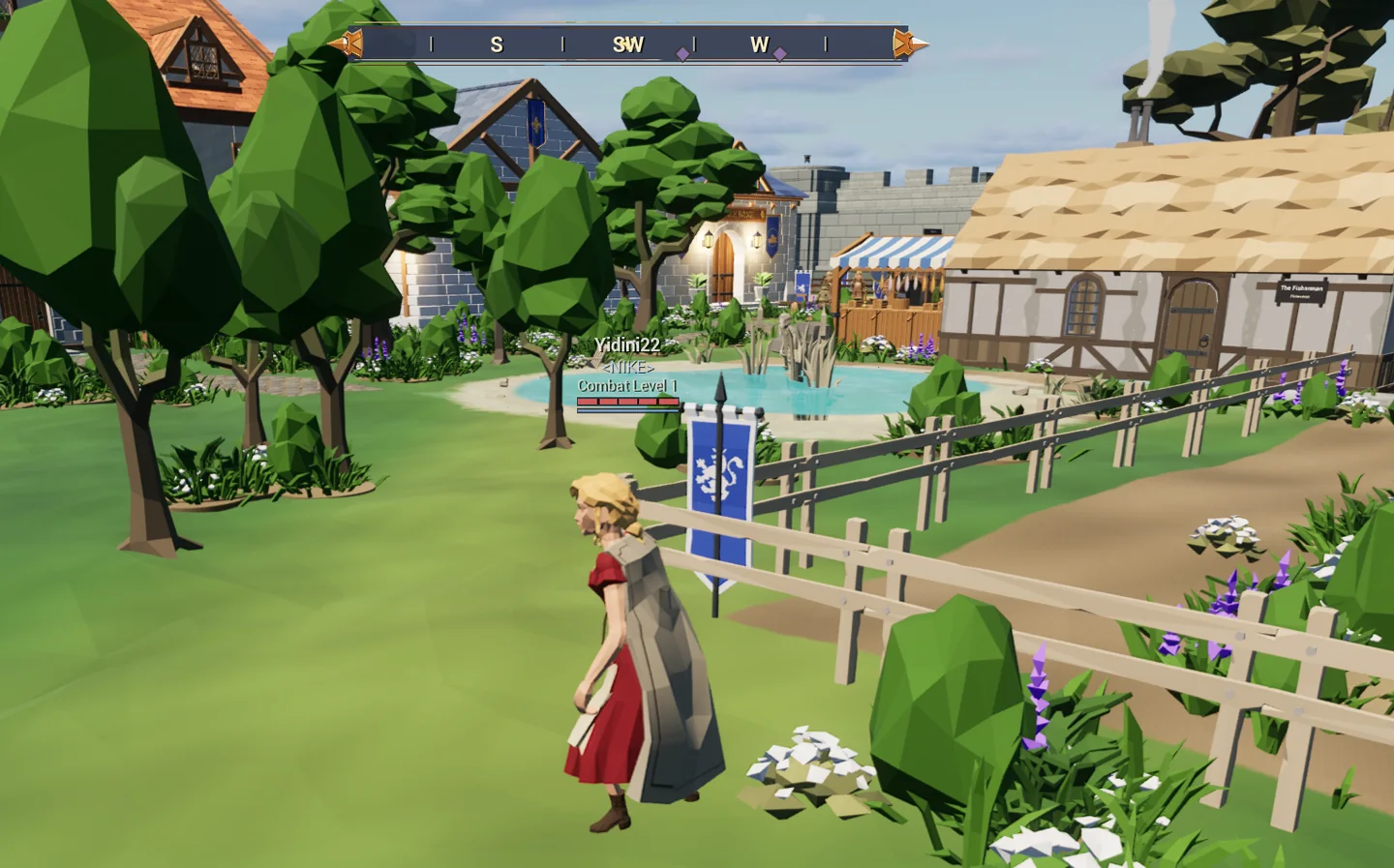
The game
A shared medieval world: a town, keeps to fight through, the sea, and tavern games.
-
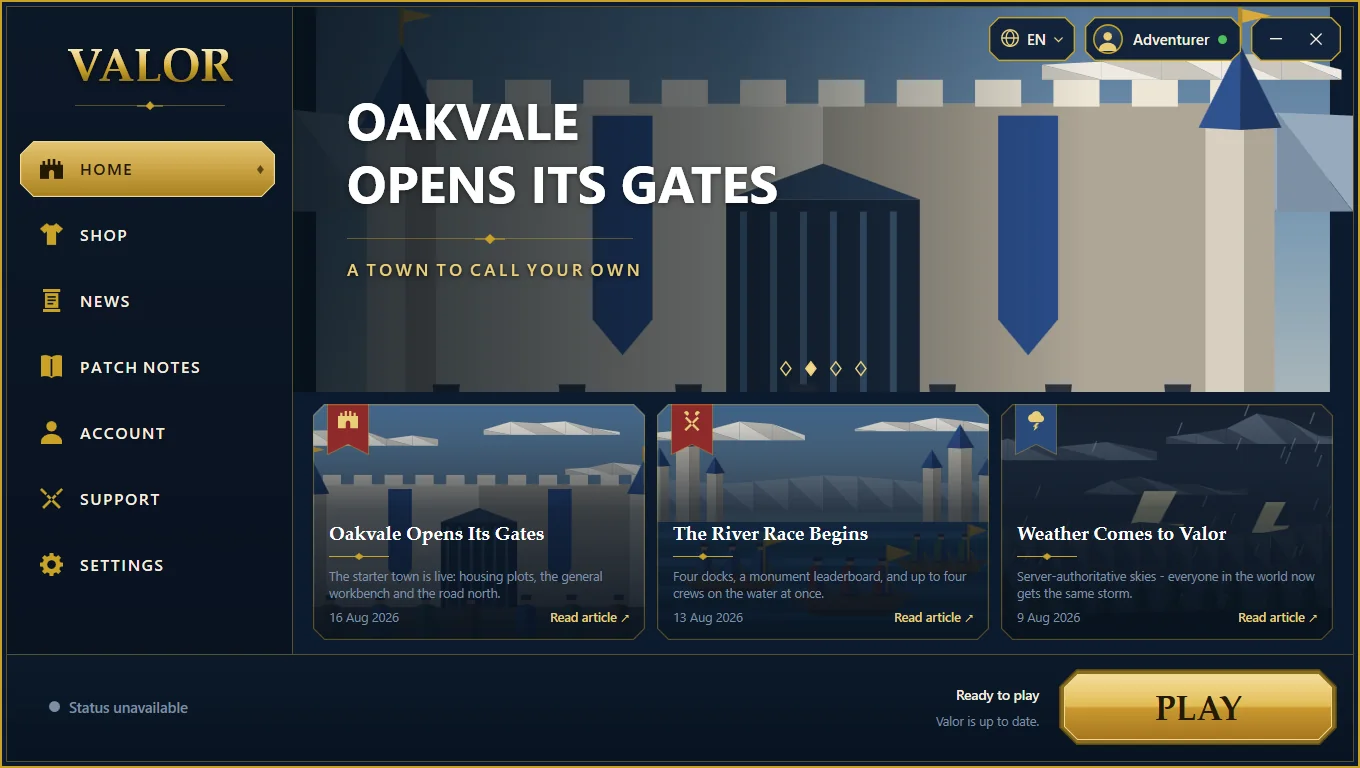
The launcher
A Windows application we wrote to install, update and start the game.
-
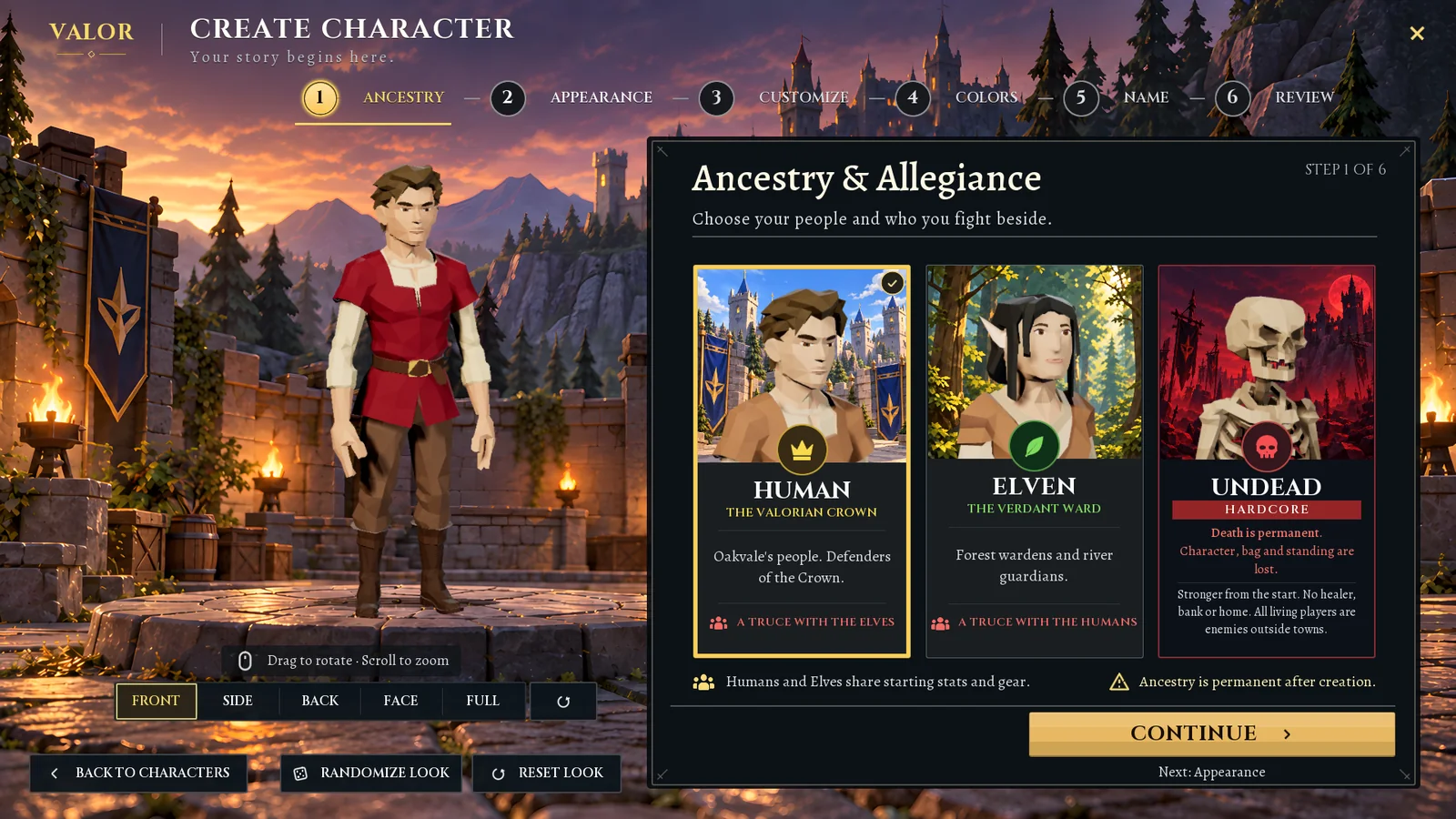
The character creator
Six clear steps from a blank slate to a named character, with a live 3D preview.
-
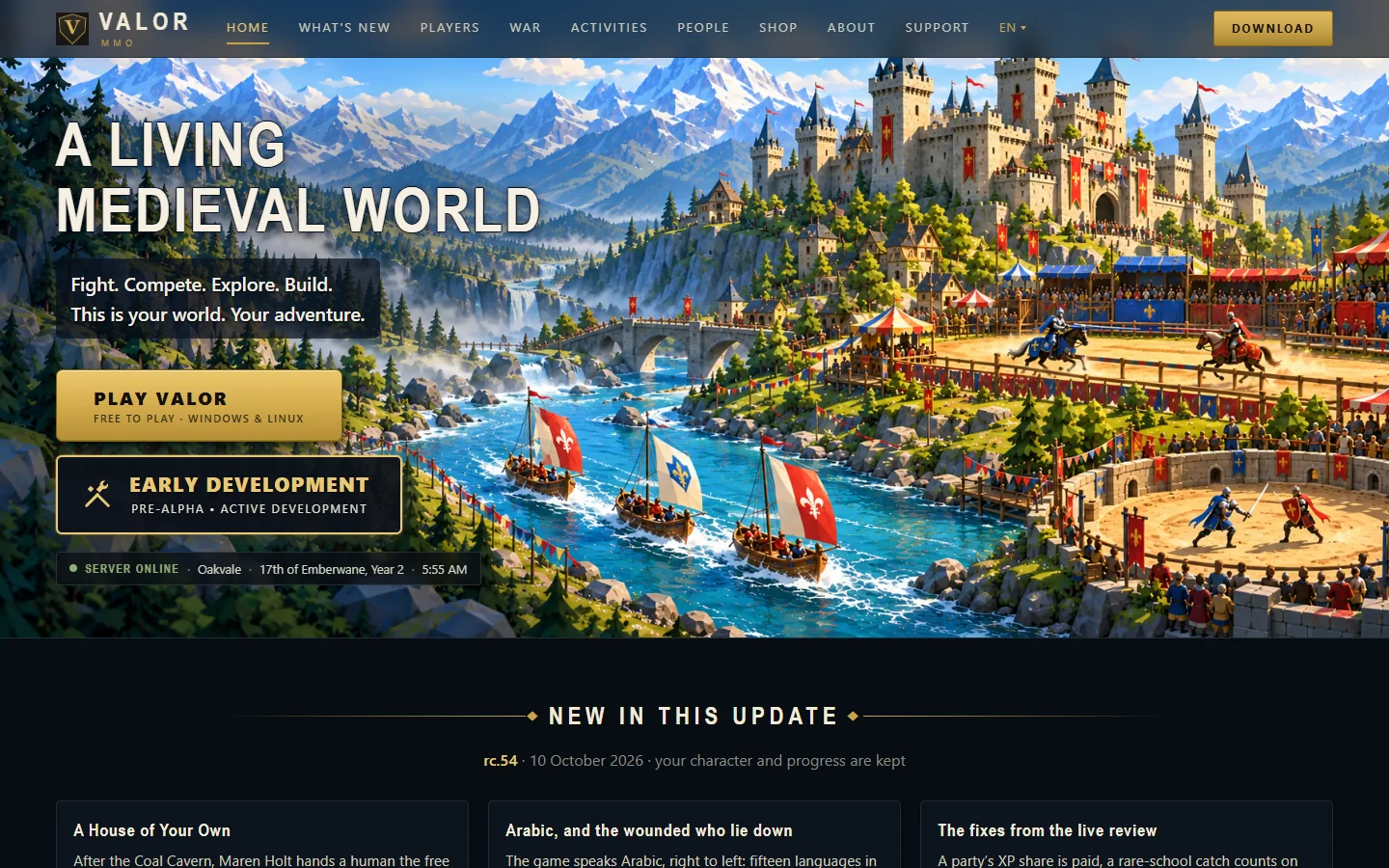
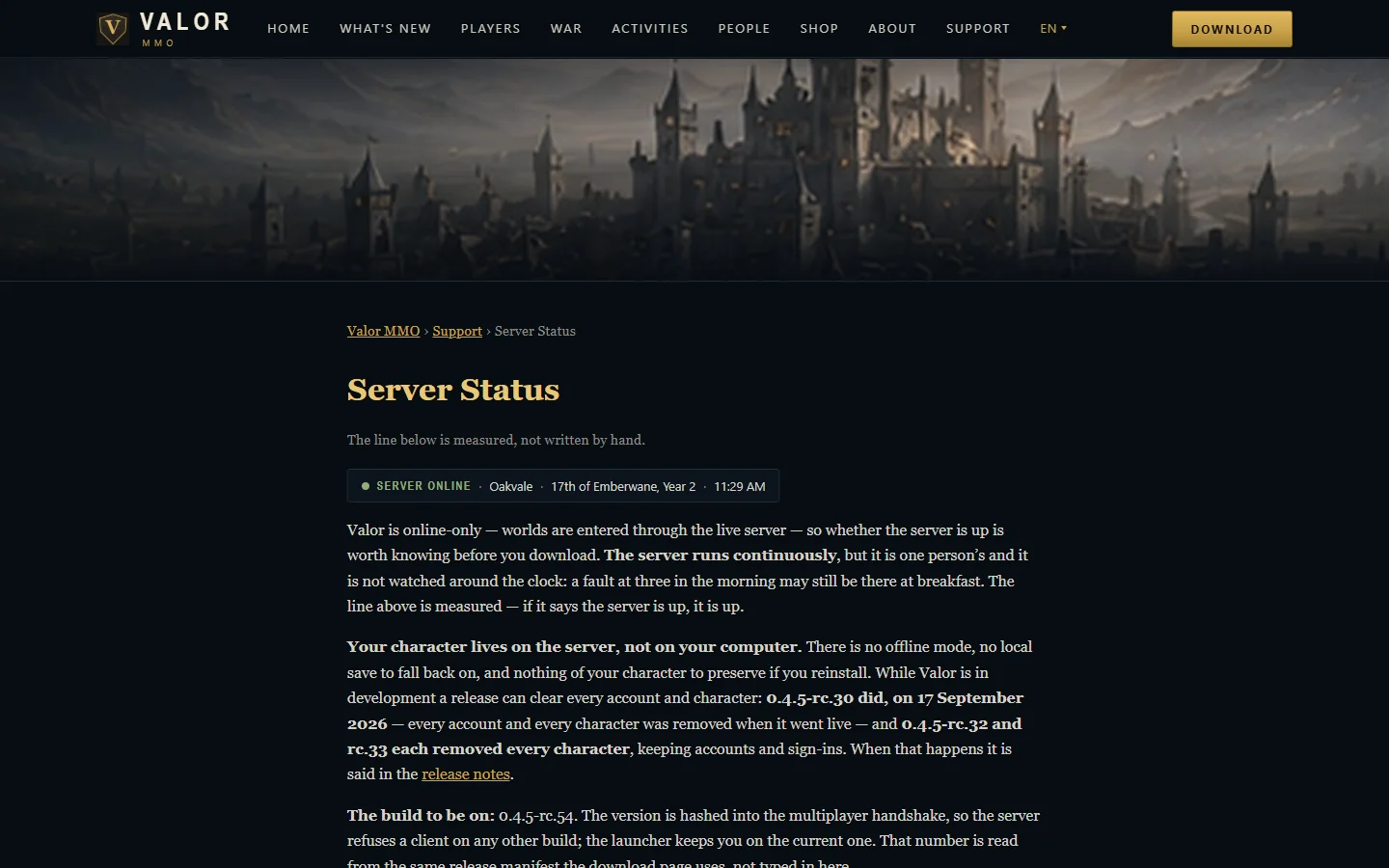
The website
valormmo.com: guides, patch notes, accounts and a live server status.
-
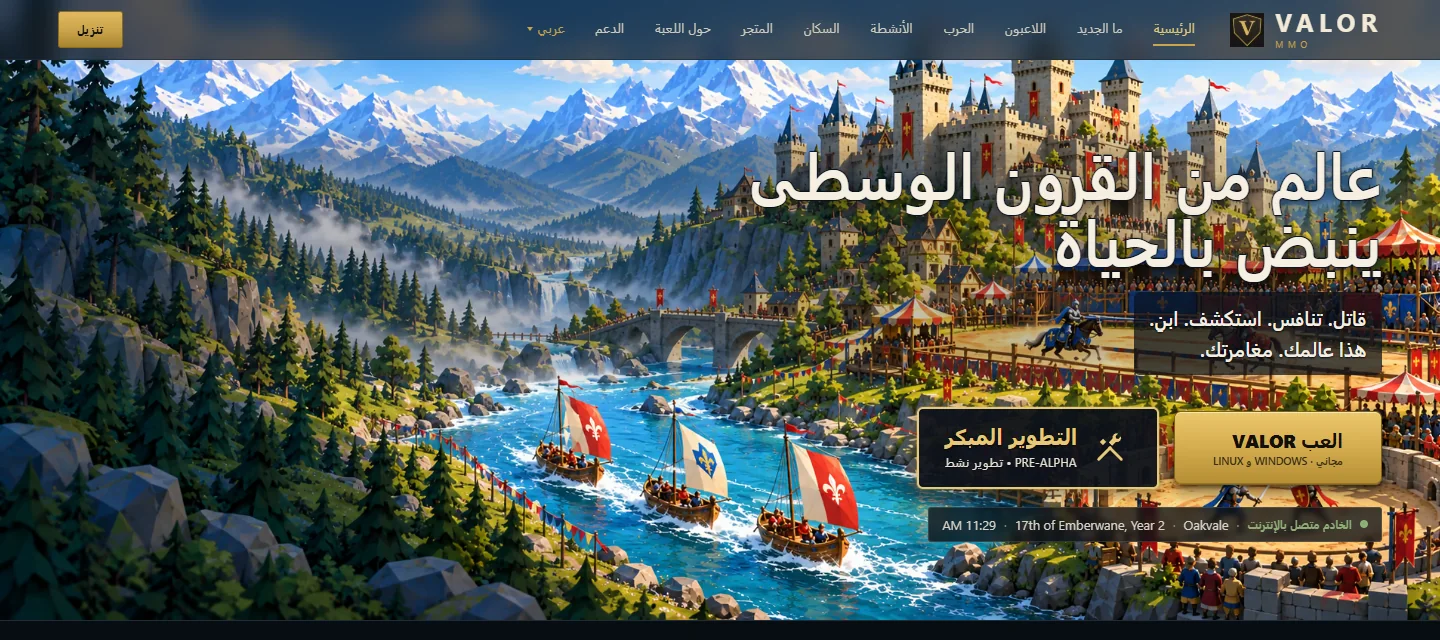
Fifteen languages
The game, the launcher and the website, translated and checked, including Arabic.
-
Technology
What Valor is built with, from the game engine to the web server.
Have a project that is more than a website? Tell us what you want to build.
Contact us