Valor MMO · The website
The website: valormmo.com
The Valor website has to do several jobs at once: persuade a stranger to try the game, get the launcher onto their computer safely, teach them how things work, and tell regular players what changed this week. It is a fast static site, built the same way we build sites for towns and shops, and it is rebuilt with every release of the game.
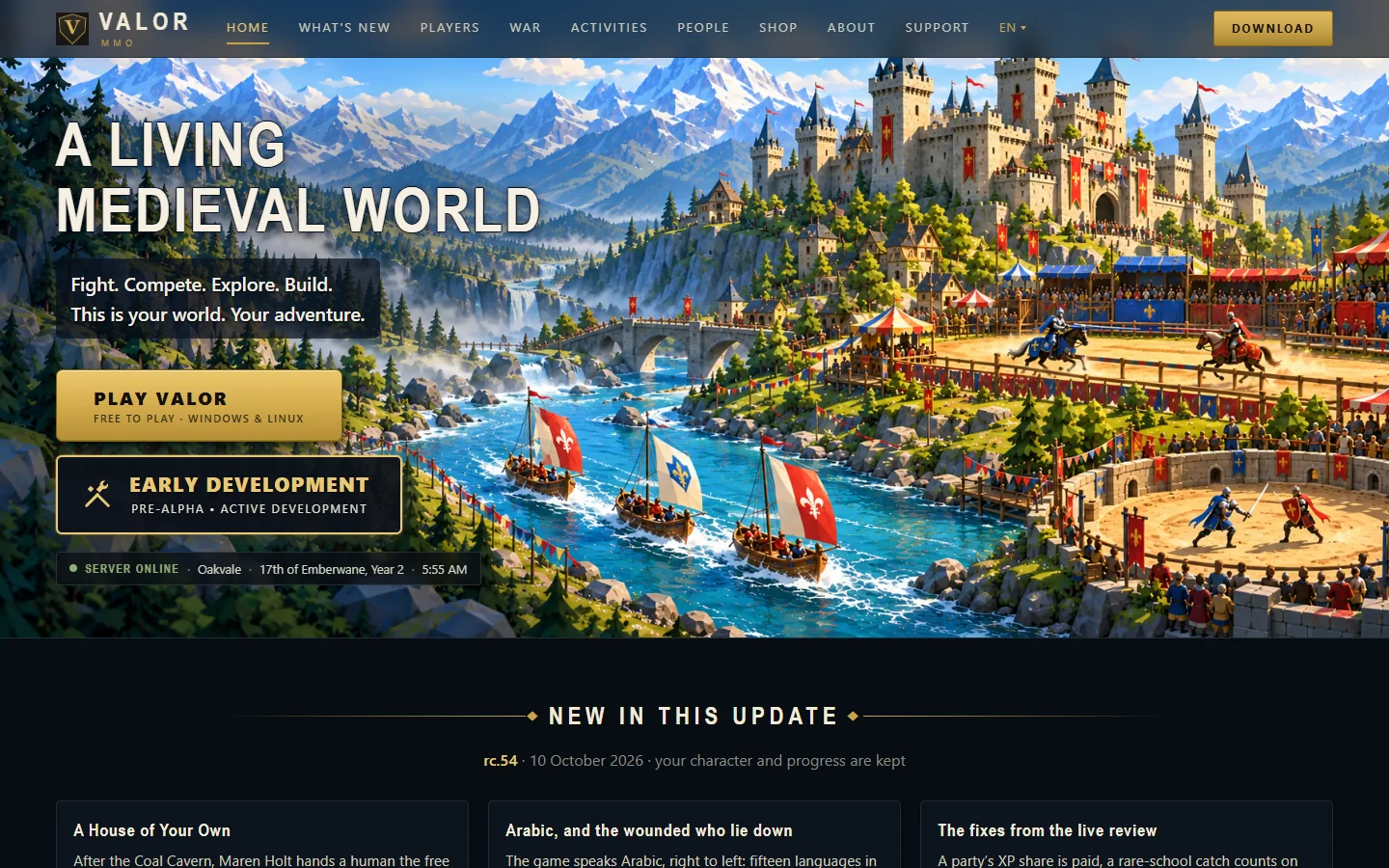
A home page that is honest about the stage
The first screen says what the game is, that it is free, which computers it runs on, and that it is Pre-Alpha and still being built. Under the buttons a live line shows that the server is up and what the date is in the game world.
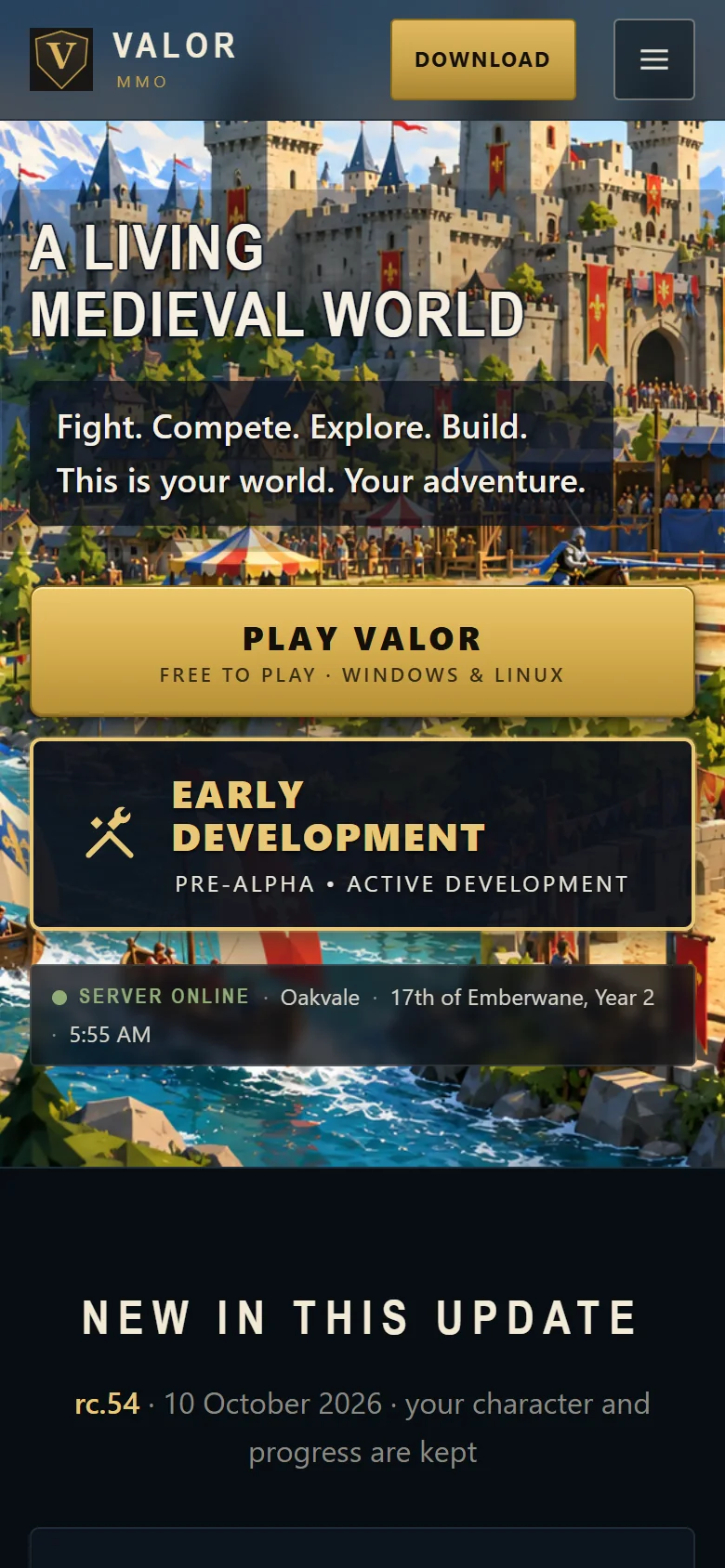
Built for a phone first
Most people meet a game through a link on their phone, long before they sit down at a computer. The whole site reads in one column with large buttons, and loads quickly on a mobile connection.
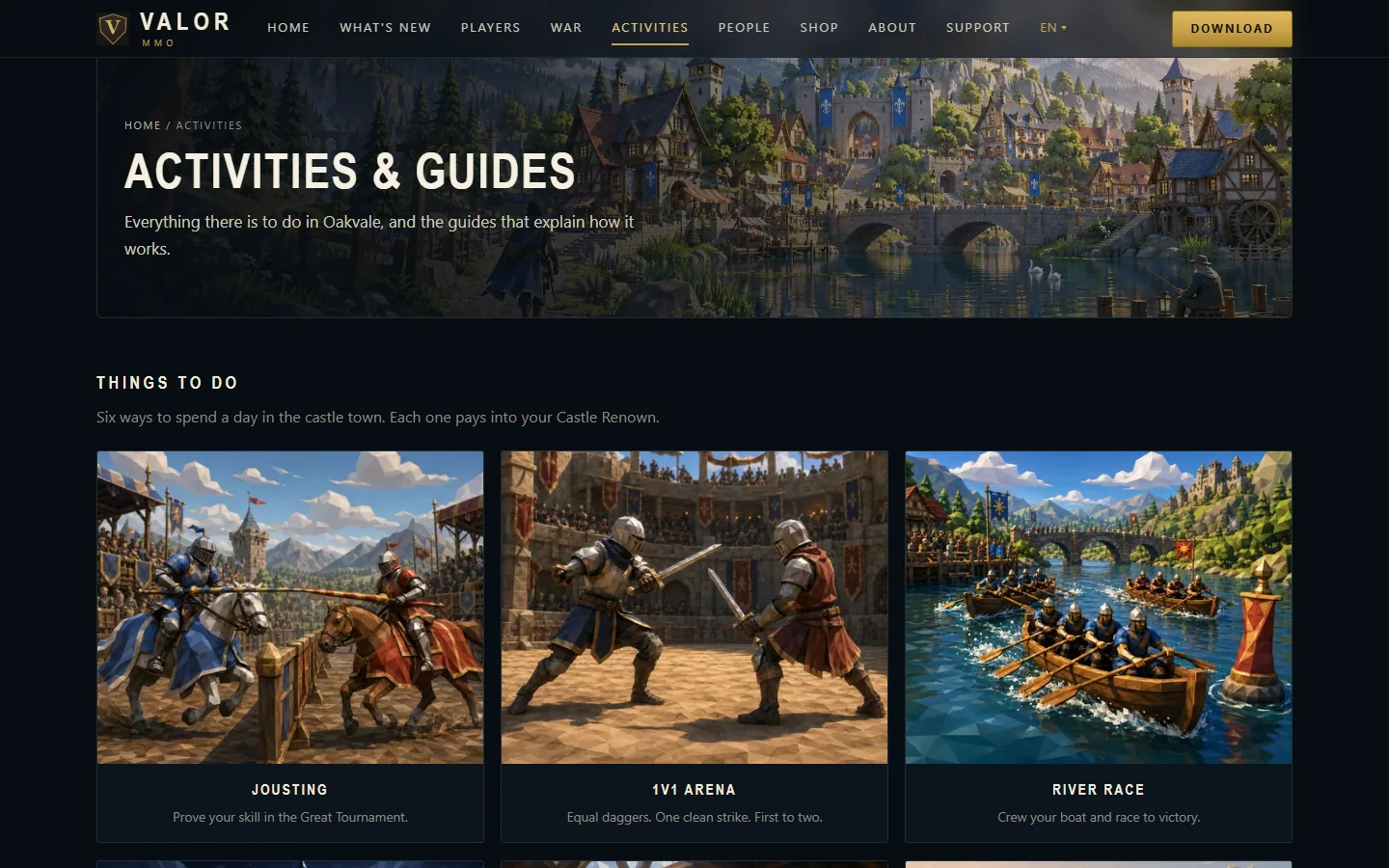
Guides for every activity
Each thing a player can do has its own guide, written for someone who has never played. The tables of items, places and rewards are generated from the game’s own data, so the site and the game agree.
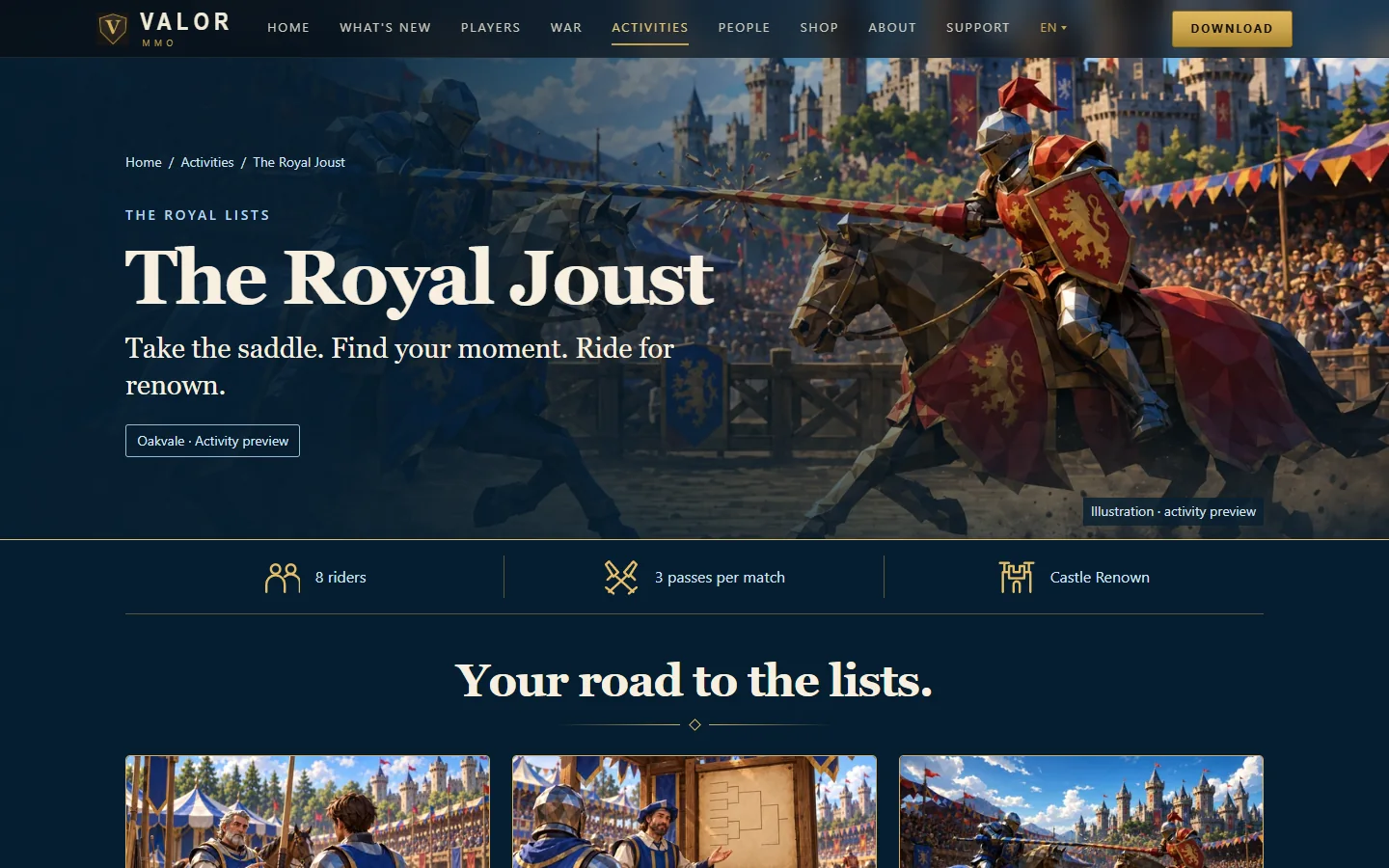
A page that sells one idea
A guide page opens with what the activity is in one line, then the three facts a player wants: how many riders, how long a match is, and what it earns.
A directory you can filter
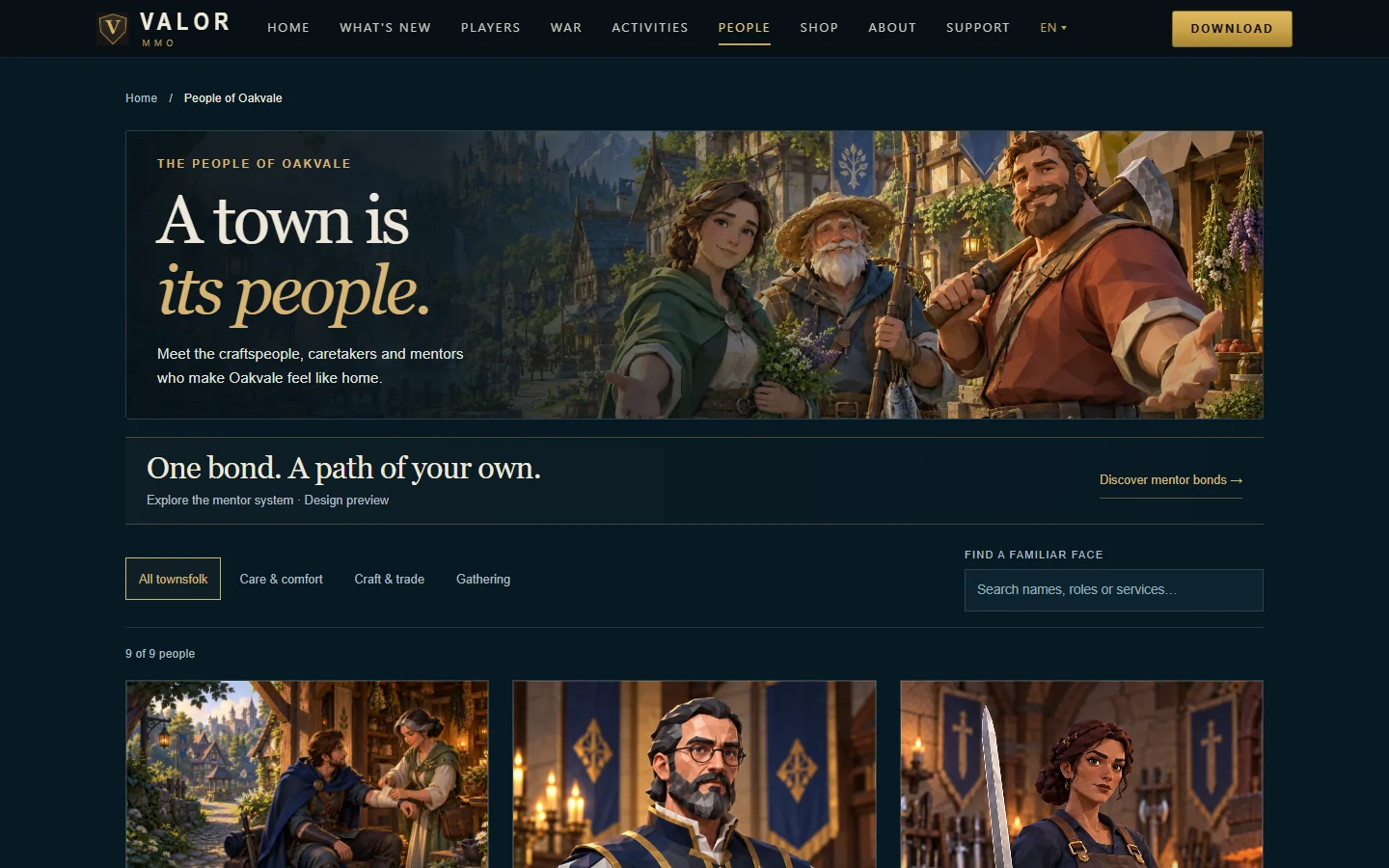
The town’s characters are listed with portraits, roles and a search box, so a player can find the banker or the weaponsmith and learn what they teach.
Patch notes for every release, in plain words
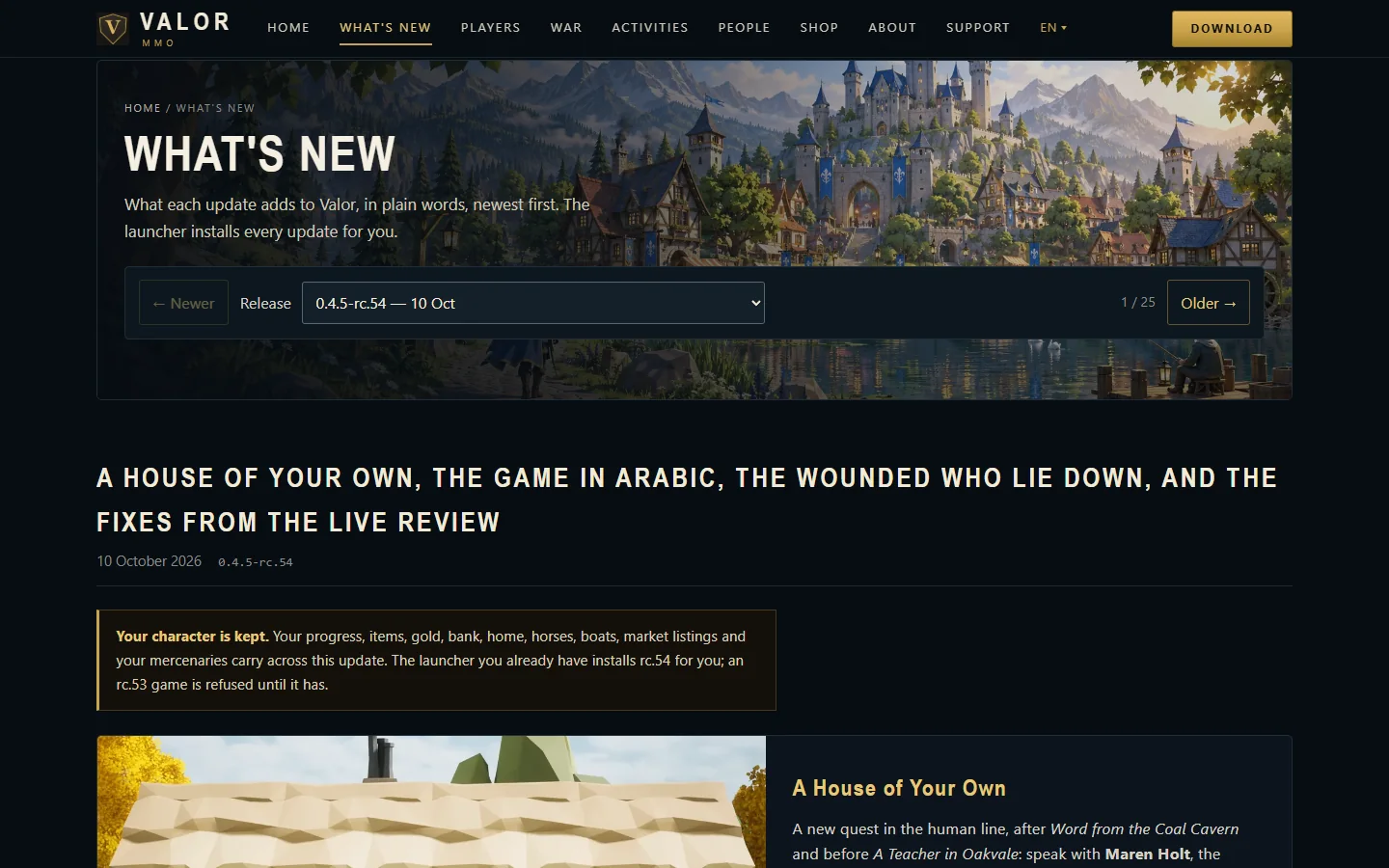
Every update gets its own notes, newest first, written for players rather than programmers, with a menu to step back through earlier releases. The first line of each tells players whether their character and progress are kept.
A status page that is measured, not typed
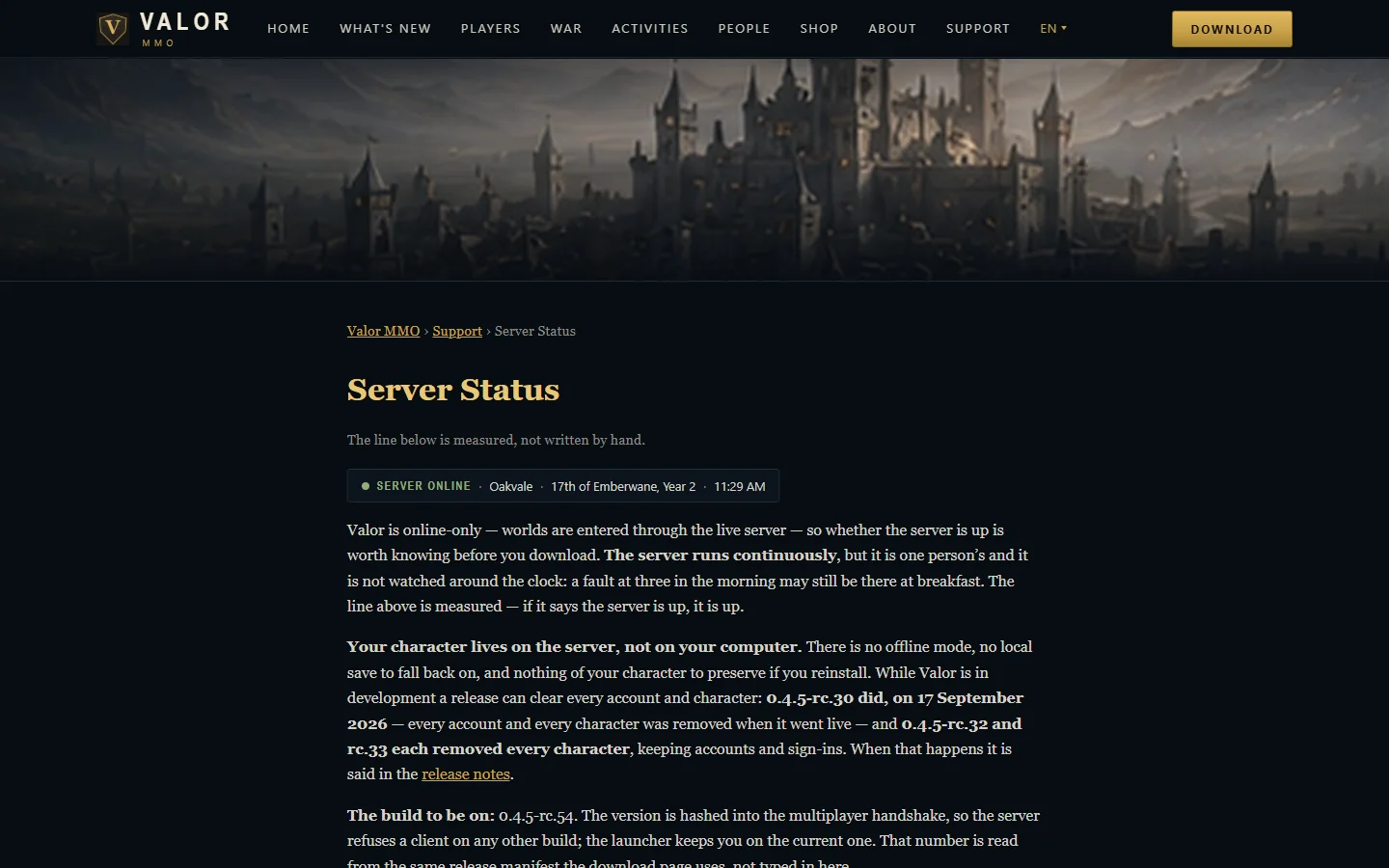
The status line is read from the live server, not written by hand, and the page explains exactly what it does and does not prove.
More of the project
The rest of Valor
-
The game
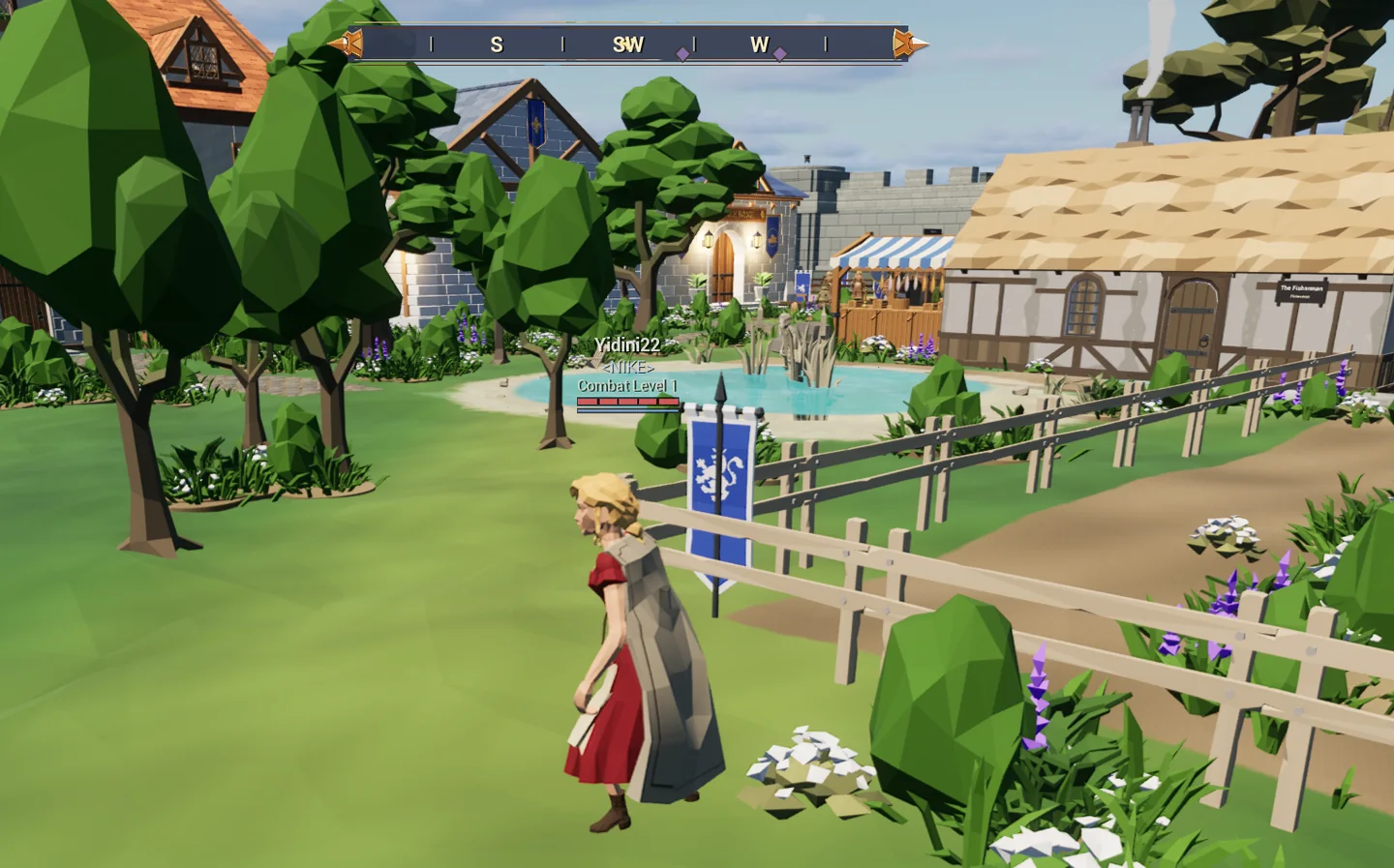
A shared medieval world: a town, keeps to fight through, the sea, and tavern games.
-
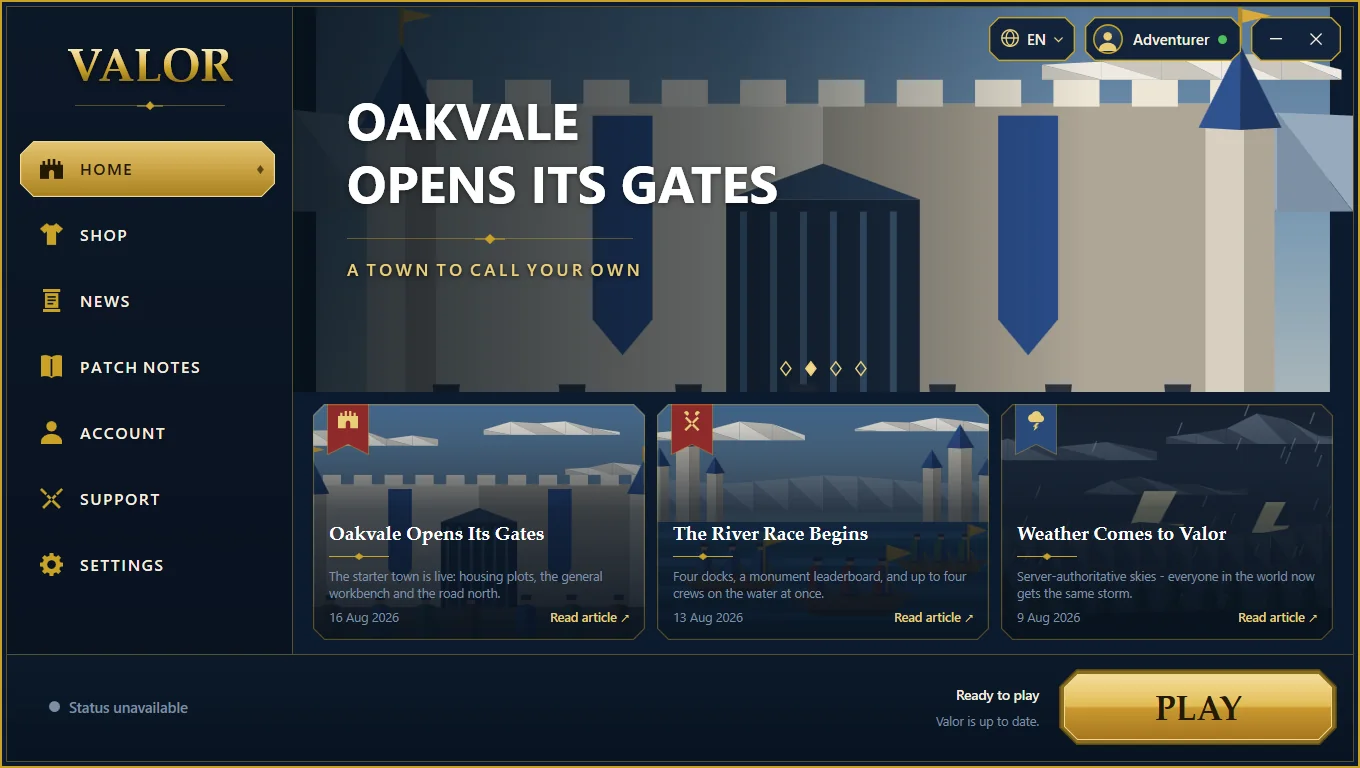
The launcher
A Windows application we wrote to install, update and start the game.
-
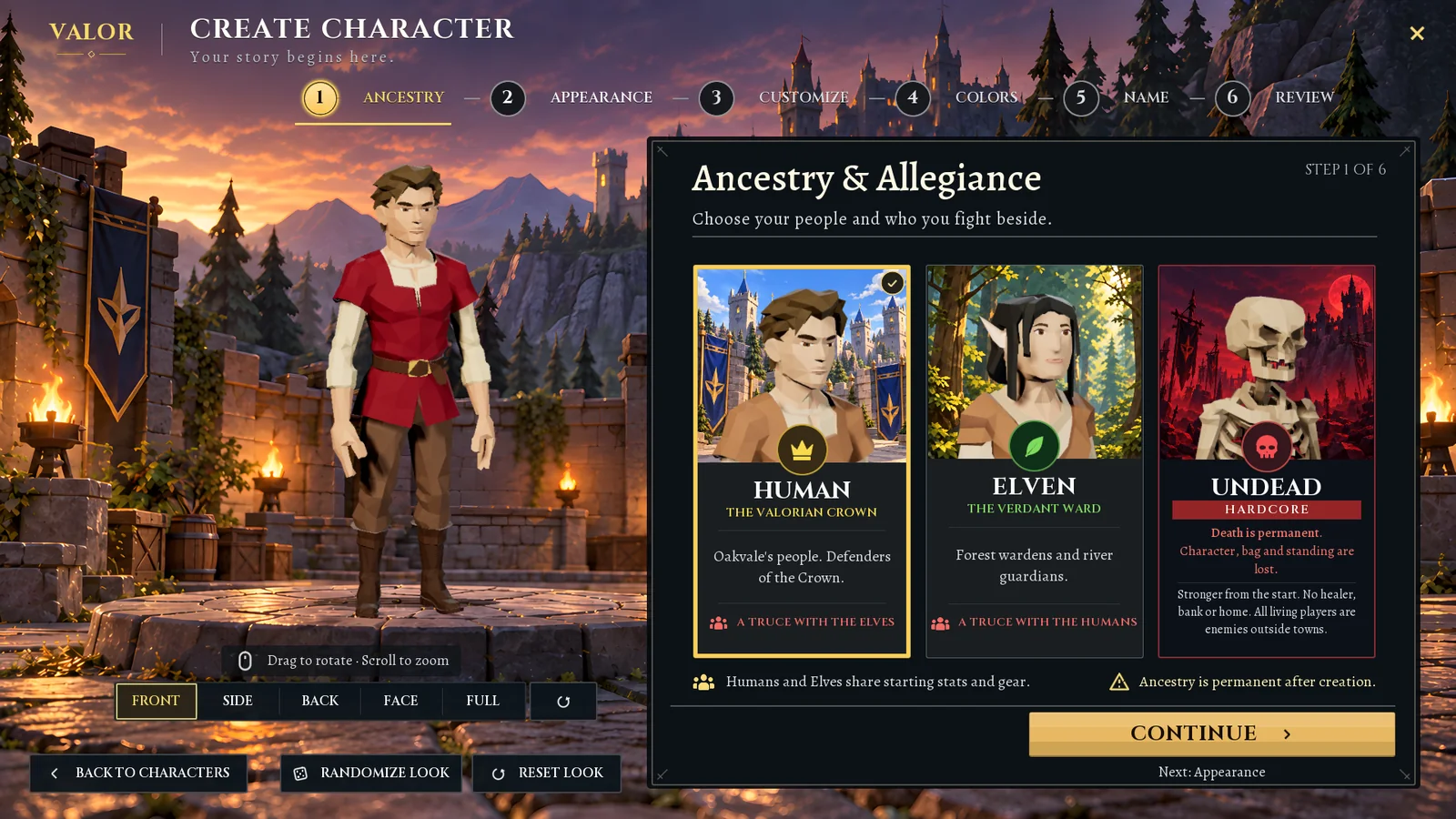
The character creator
Six clear steps from a blank slate to a named character, with a live 3D preview.
-
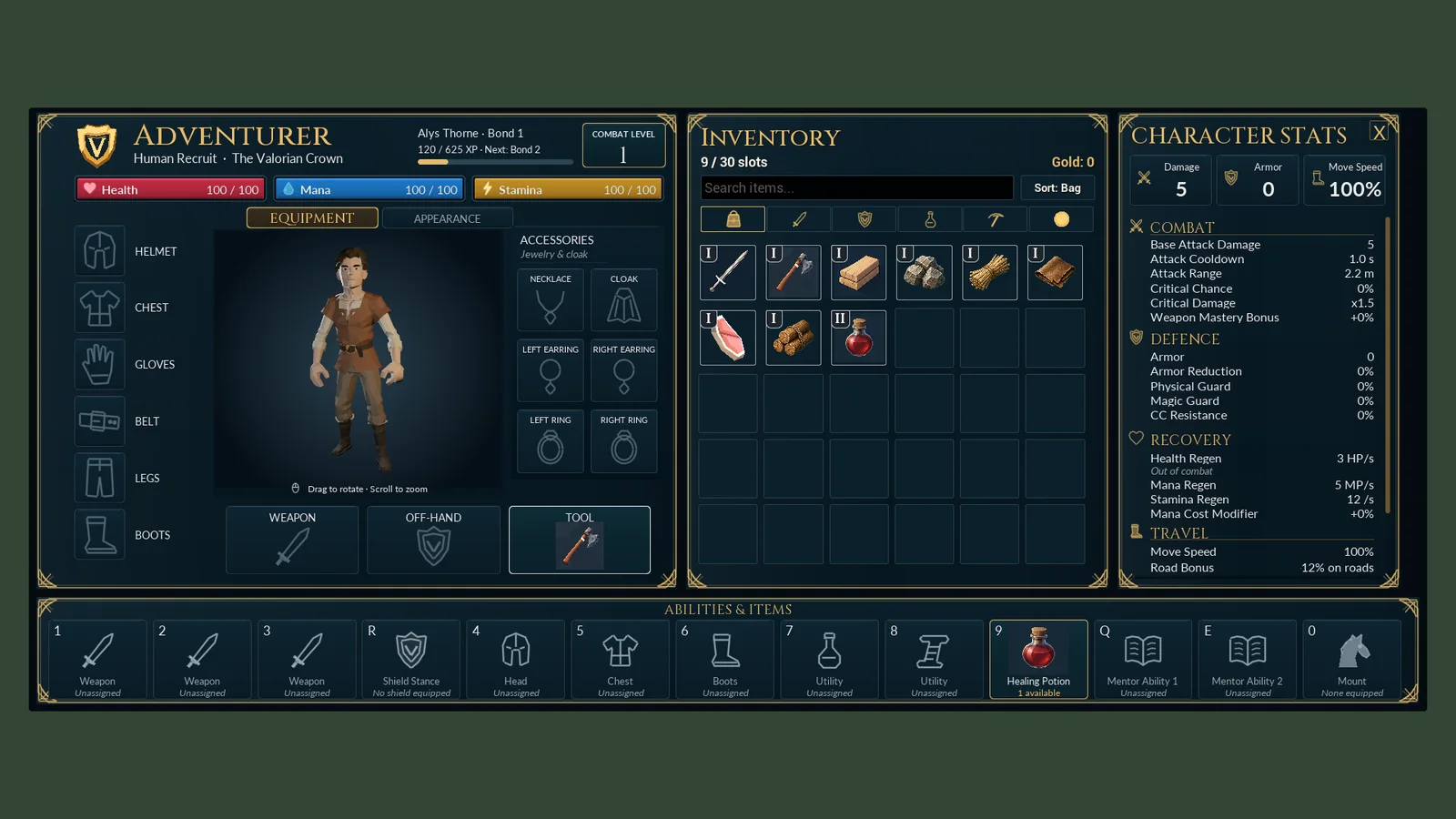
Interface design
The title screen, character windows, conversations and mini-game screens.
-
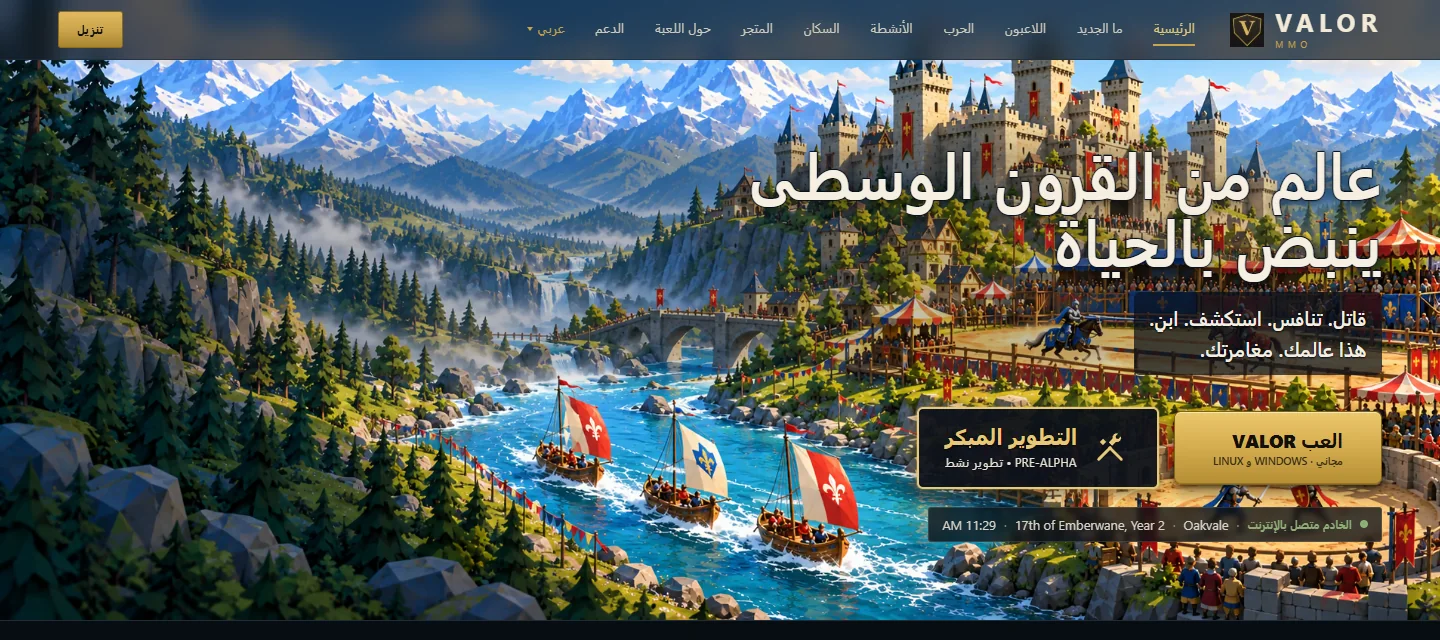
Fifteen languages
The game, the launcher and the website, translated and checked, including Arabic.
-
Technology
What Valor is built with, from the game engine to the web server.
Have a project that is more than a website? Tell us what you want to build.
Contact us